Hi Chris,
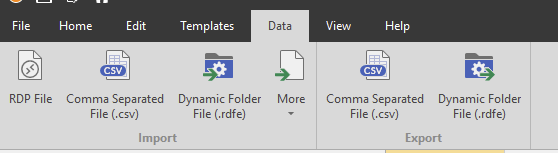
Royal TS does actually come with a CSV Export function:
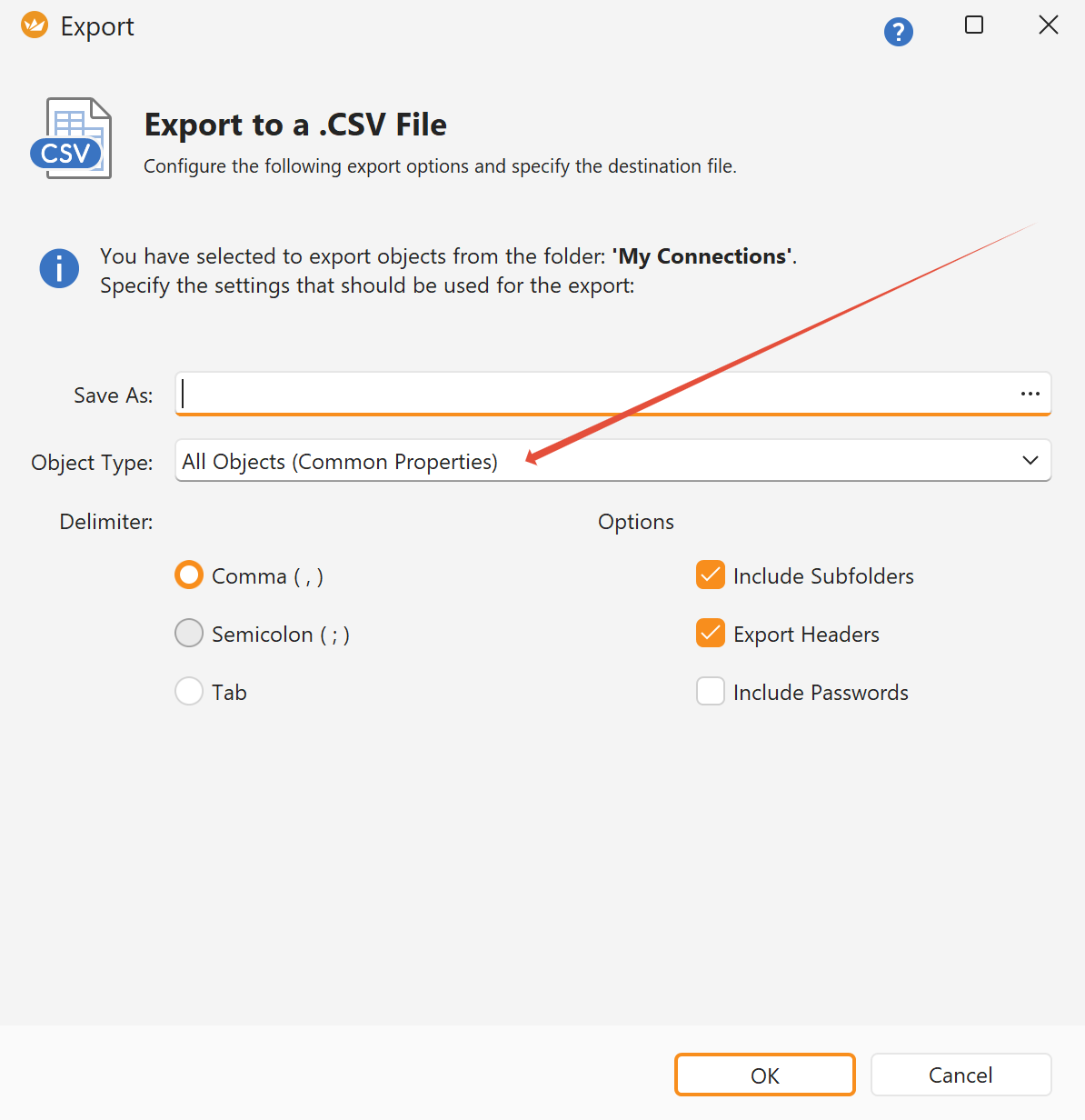
However, when exporting CSV files, only the “Common Properties” are exported by default:
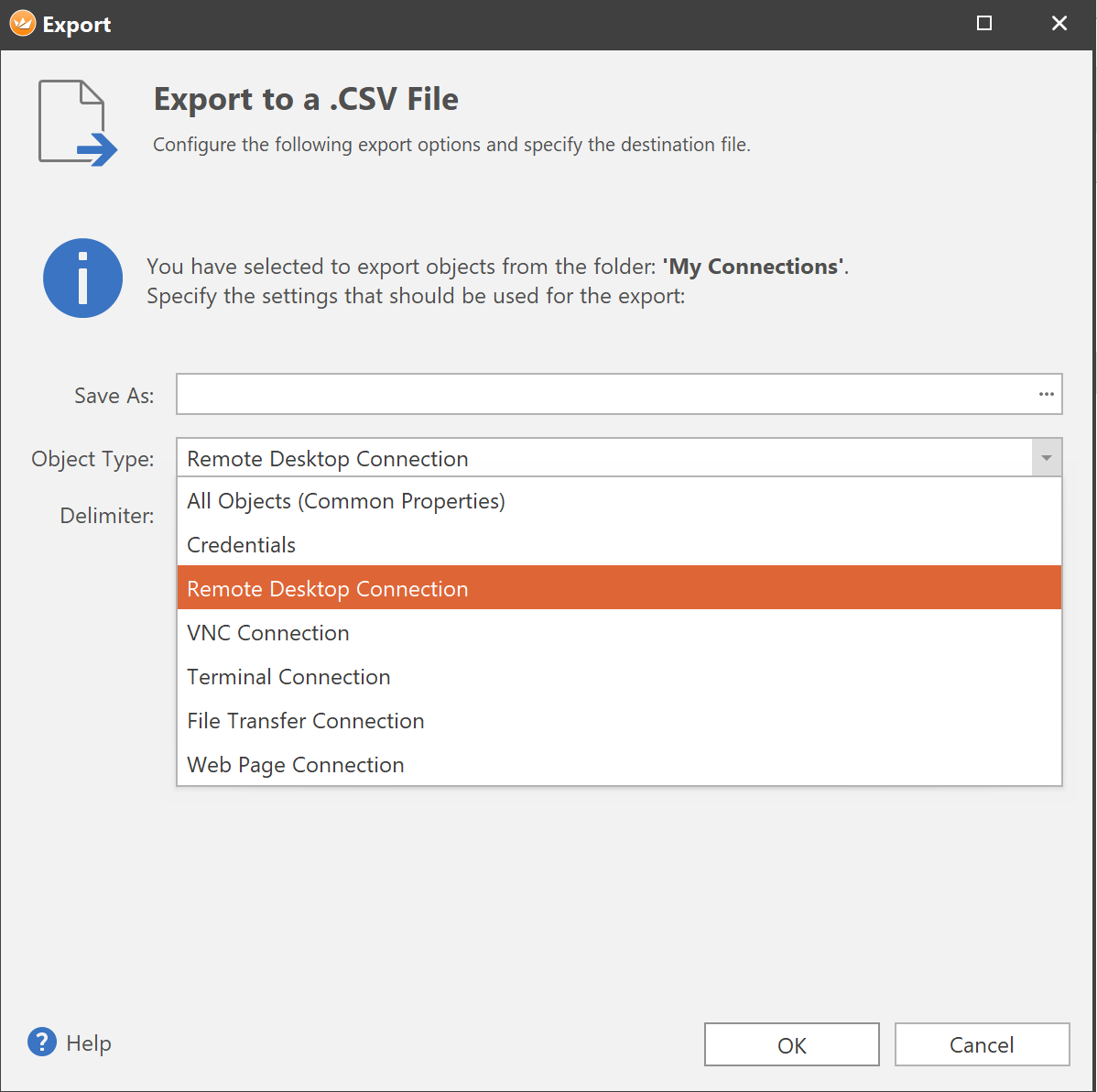
You can perform connection type-specific exports by selecting RDP connections, for instance, and also selecting “Remote Desktop Connection” in the actual export dialog:
Alternatively, you can also create a PowerShell script to export the content of your documents.
The following link may be helpful:
Further information on the PowerShell module can be found here:
https://www.royalapps.com/go/kb-ts-win-powershellmodule-samples
I hope this information helps!
Best regards,
Christoph