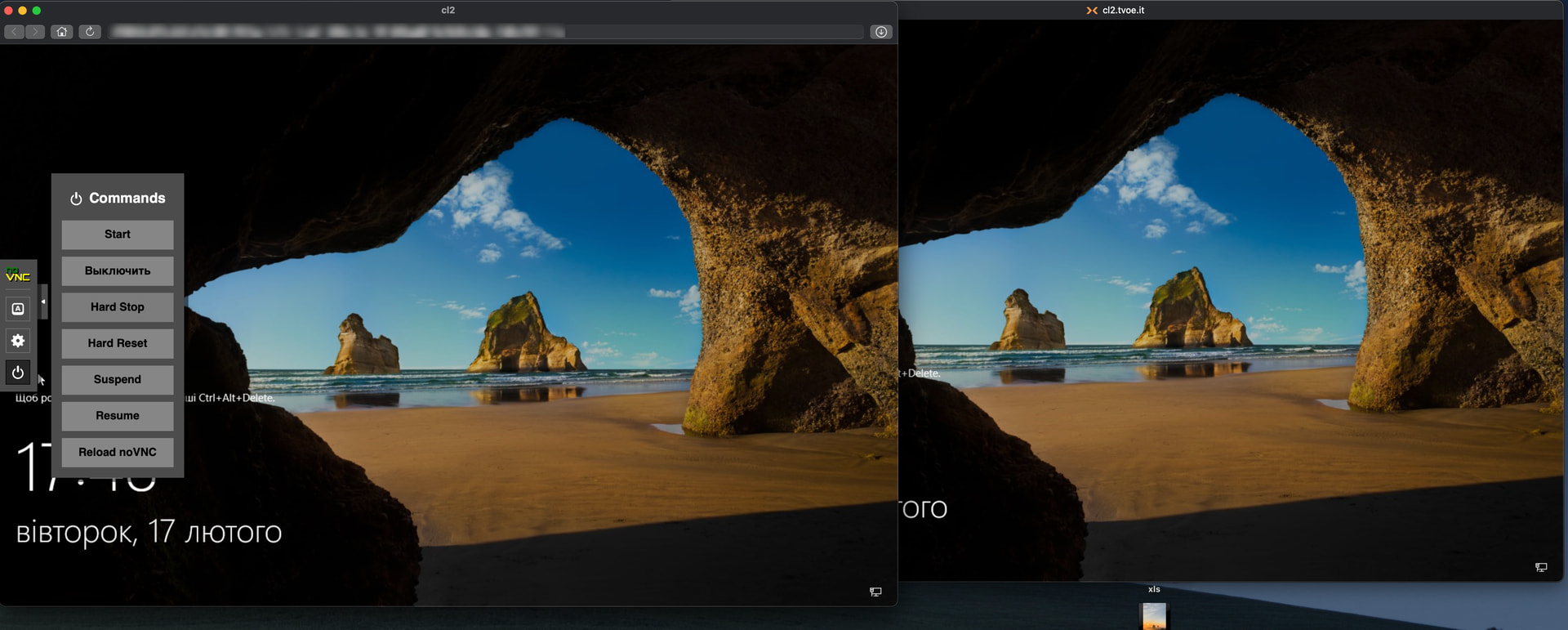
JavaScript confirmation dialogs are suppressed in Royal TSX WebKit plugin.
Proof:
-
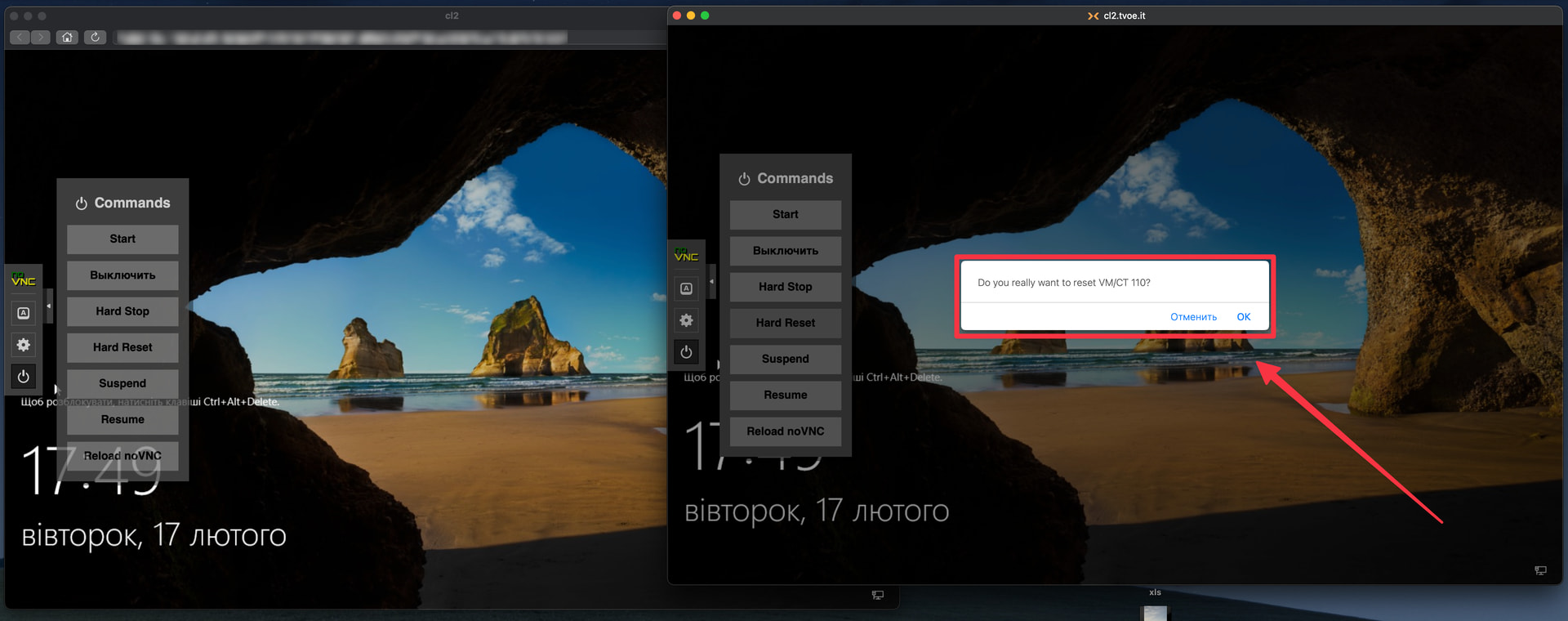
Safari:
 confirm() dialog appears (screenshot attached)
 -
Remote Desktop Manager (WebKit):
confirm() dialog appears -
Royal TSX (WebKit):
 dialog is blocked, buttons do nothing
Steps to reproduce:
-
Create Web Page connection to Proxmox VE (https://ip:8006)
-
Open VM console (noVNC)
-
Click “Shutdown” or “Reboot” button
-
Expected: confirmation dialog appears
-
Actual: nothing happens
Environment:
-
macOS Sonoma
-
Royal TSX 6.x
-
WebKit plugin
Request: Please fix WebKit to allow JS confirm/alert dialogs, or add option to enable them.