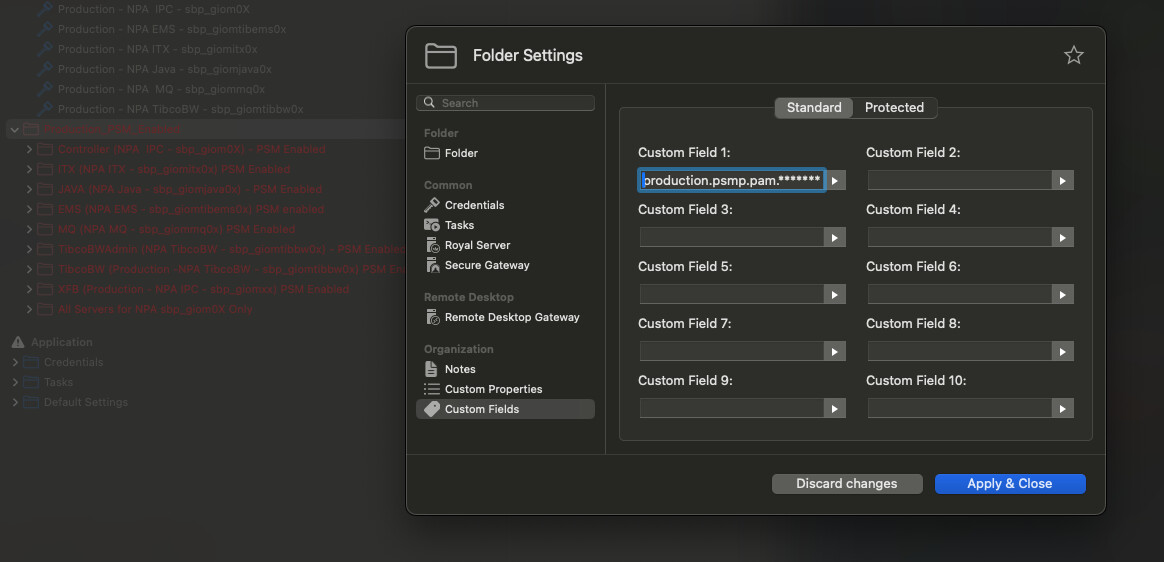
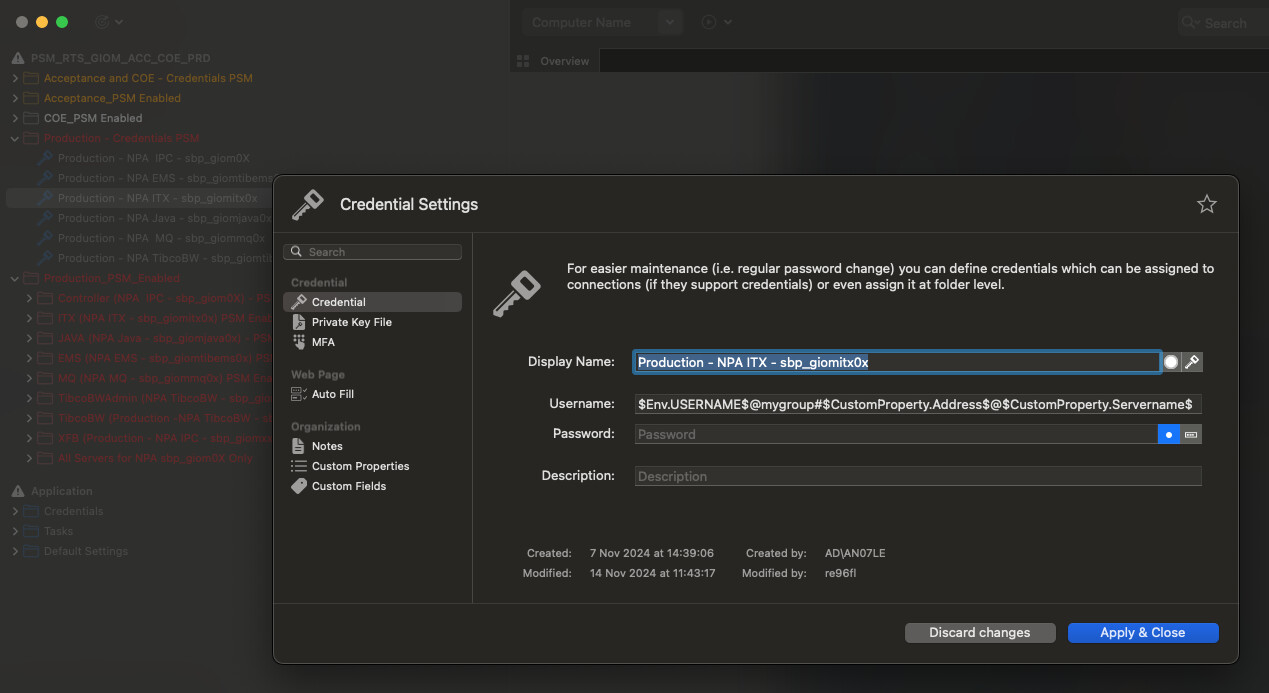
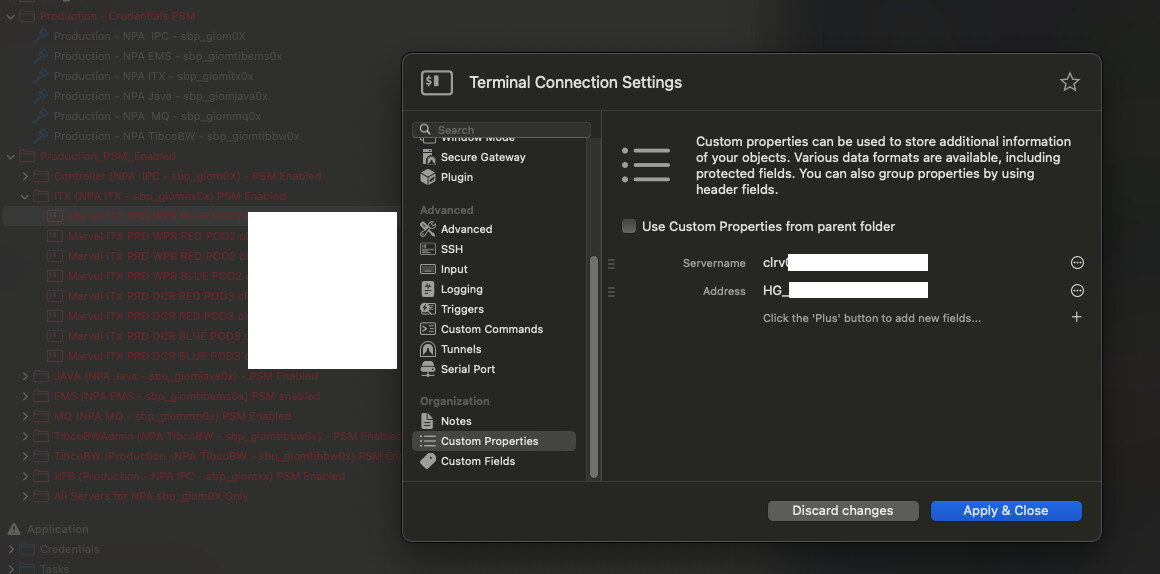
I’m have credentials created for various group of servers which can be replaced by the real value from the custom properties and values like this: $Env.USERNAME$@mygroup#$CustomProperty.Address$@$CustomProperty.Servername$.
This credential are used by connection however I see this is printed literally during the connection.
do I understand correctly that the connection is working, but the value is being printed in clear text, or are the token names printed?
Would you also be able to share a screen recording / screenshots of your configuration (whilst hiding all sensitive information), so we can look into this?
If you want, you can also create a new Support Ticket here, and we will get back to you directly:
May I ask if the correct username is taken or if the string “$Env.USERNAME$@mygroup#$CustomProperty.Address$@$CustomProperty.Servername$.” is used as the username value?
*Knock Knock*
It been over couple of month’s and I was wondering if this was created as a support ticket as Chirstoph mentioned? This helps in knowing if this is not forgotten :)!
I’m happy to report that this is now working as expected in our internal Royal TSX V6 Build.
The changes will be made available in the upcoming Royal TSX V6 Beta Build.
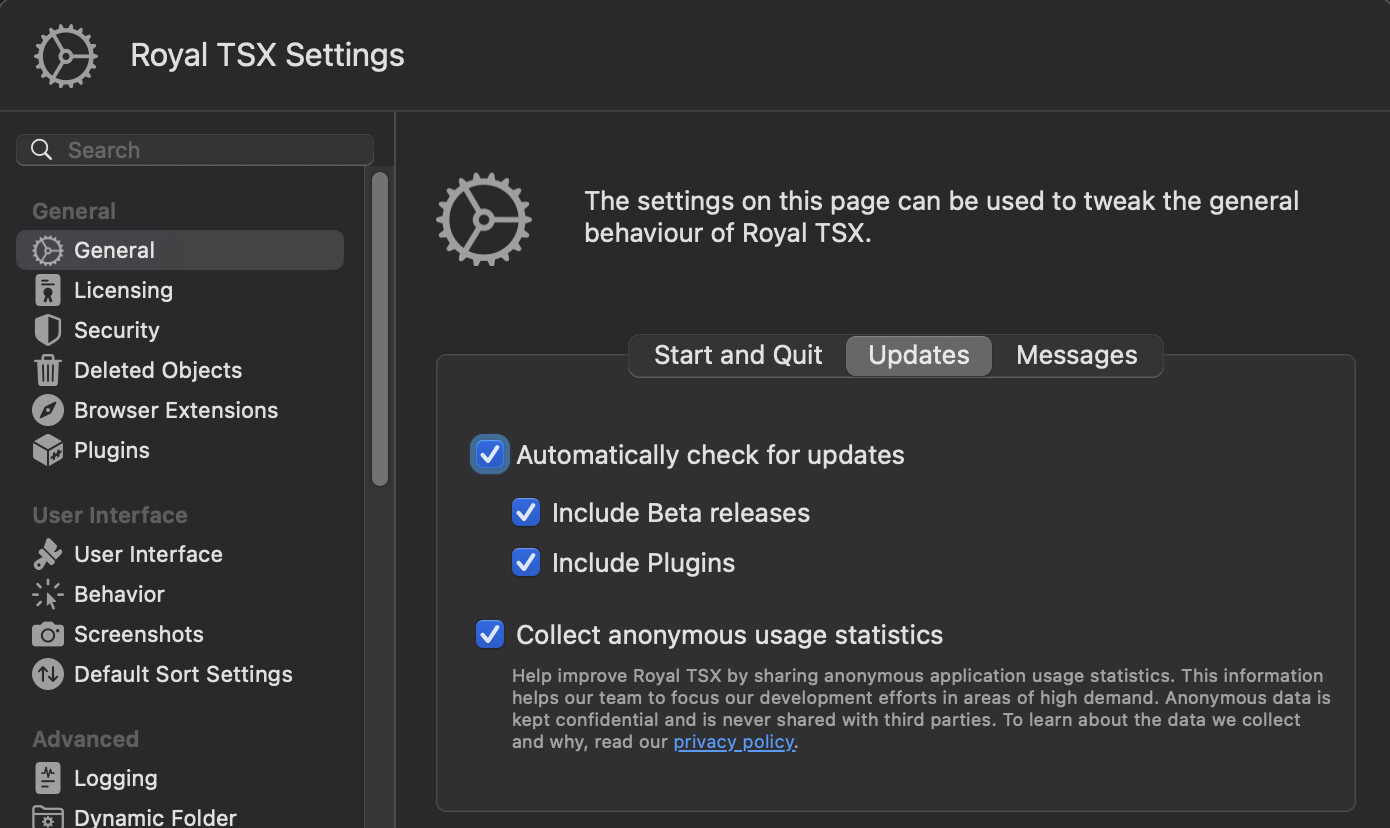
Unfortunately, I currently don’t have a release date for you regarding this, however, you can enable “Automatically check for updates” and “Include Beta releases” to be notified, once a new Royal TSX Beta is available:
Thanks Christoph. Looks like with the new updates, I have this working now except one part. I have cyberArk integration where I provide the UserName for connection in this format: $Env.USERNAME$@mygroup#$CustomProperty.Address$@$CustomProperty.Servername$. Here $Env.USERNAME is vault user taken from system’s ENV variable. All custom property and group tokens are getting replaced fine on Windows machine however $Env.USERNAME doesn’t work on Mac. Is there a way where the system user name (which in my case is a vault user) can be fetched from the env variables or by some other means?
Another possibility is to start Royal TSX with certain environmental variables.
If, for example, you have the environmental variables stored in your bash or zsh profile and start Royal TSX via terminal, the environmental variables should also be available within Royal TSX.
For example, if you open a terminal and enter the following:
export TESTIP="10.0.1.40”
and then start Royal TSX via /Applications/Royal\ TSX.app/Contents/MacOS/RoyalTSX, you can use******$Env.TESTIP$ as the computer name in a terminal connection and access your server 10.0.1.40
To summarize, your use case is possible to access, but you have to make sure that the environmental variables you need are also available in the context of Royal TSX.