I am in the process or switching from Remote Desktop Manager to RoyalTS. I keep finding weird things that i cant seem to find an answer for. Here’s one thing that seems off.
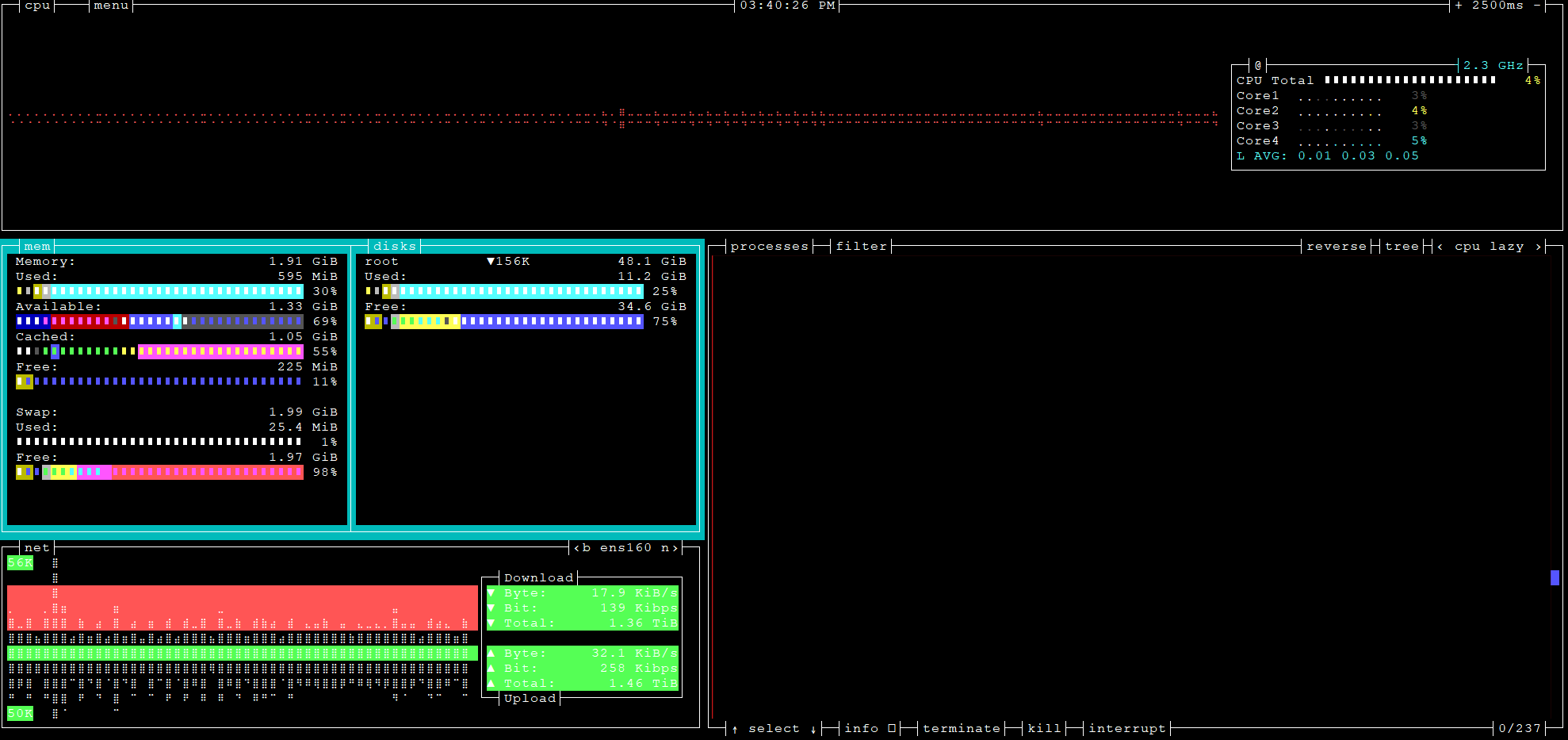
In my ssh connections the redraw seems very slow in RoyalTS. I am using the same host, username, and workstation. When i use bashtop to view system performance the redraw in RoytalTS is very slow and the colors are way off.
What can i do to increase terminal performance? I’m including a screenshots to demonstrate the color in RoyalTS. I can’t upload one from RDM because i’m limited to one image since i’m a user user. This is the same host, username, and workstation. RoytalTS is very sluggish when drawing the graphs in the terminal. RDM is smooth.
This screenshot is from RoyalTS
Here is a imgur link that shows two screenshosts.
One from RDM and one from RoyalTS. Same machine / user.
Again this is the same remote host, same user, and same source workstation. RDM is smooth and fast, RoyalTS is sluggish and slow with weird colors.
Any suggestions?