Stefan,
Did the color management still a work in progress ? I’ve noticed some “missing” parts 
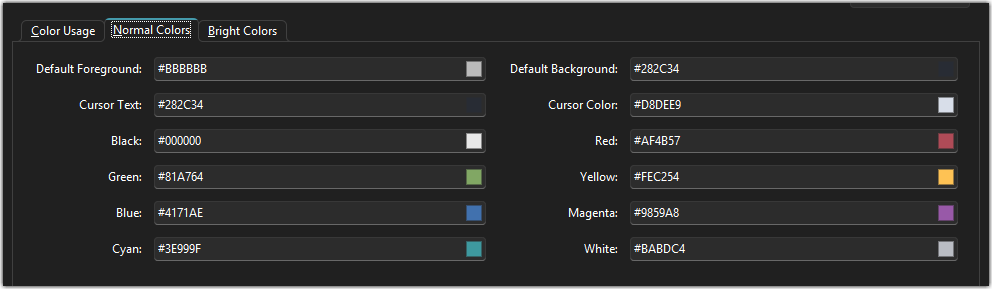
In the PuTTY configuration, we can set the default background/foreground colors :
But this is not available on the RoyalTerminal configuration.
Also, RoyalTerminal does not allow using hex value for the cursor colors and only allow named one (and I think it uses the values from normal/bright colors tabs) and that can be a little restrictive in some use cases.
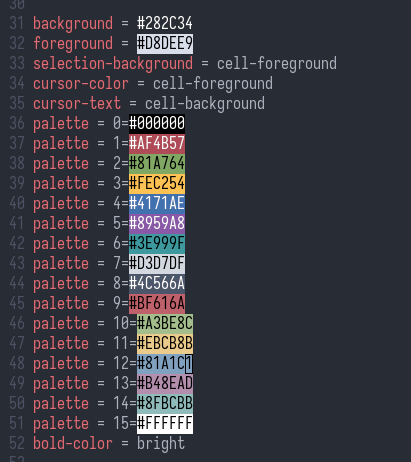
When comparing to the Ghostty configuration file, you can define those values:
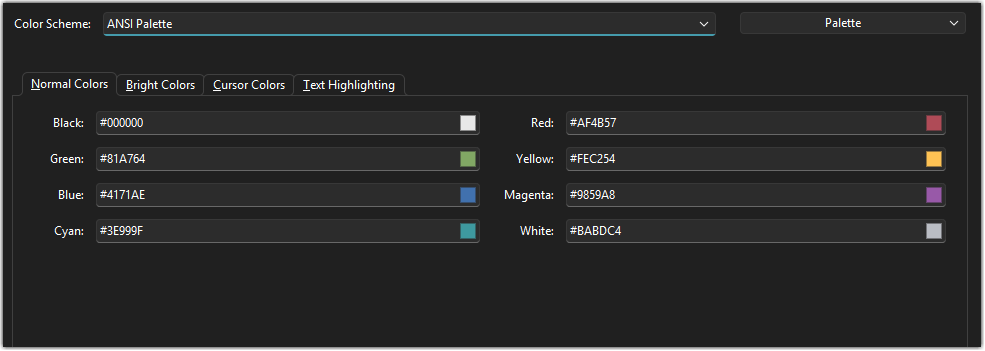
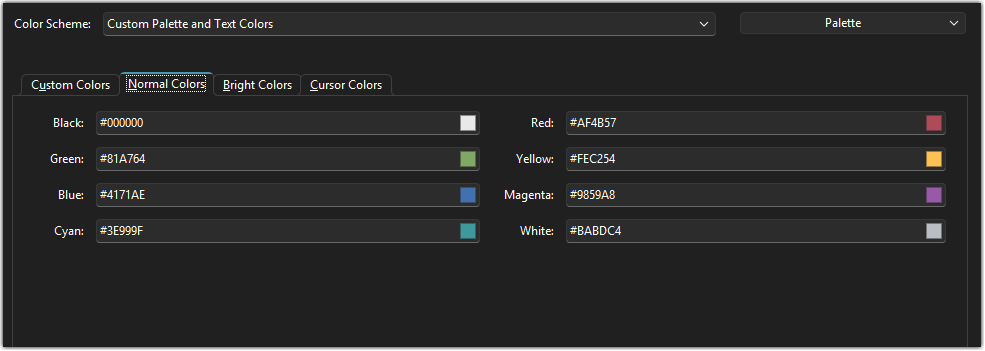
And the last one, in ANSI color scheme, there is a tab for text highlighting configuration that is not present when in “Custom Palette and Text Colors” color scheme :
vs.
Hi!
It’s a bit tricky because the Rebex terminal doesn’t support dedicated background/foreground colors like PuTTY or ghostty. I will see if I can provide these settings when Royal Terminal renderer is enabled but hide/disable them when Rebex terminal renderer is selected.
Regards,
Stefan
I completely rewrote the whole Colors page (also switched from the tabs to expanders). The available options on the Colors page are now dependent on the render engine. If RoyalTerminal engine is selected, you can set custom background, foreground colors for the session and selection. All the Rebex specific stuff is not shown. Stay tuned for the next release…
Hey Stefan !
Amazing ! Great news 
Will wait for the next beta release to test that 
Best regards,
Nicolas.