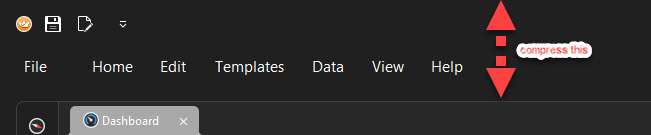
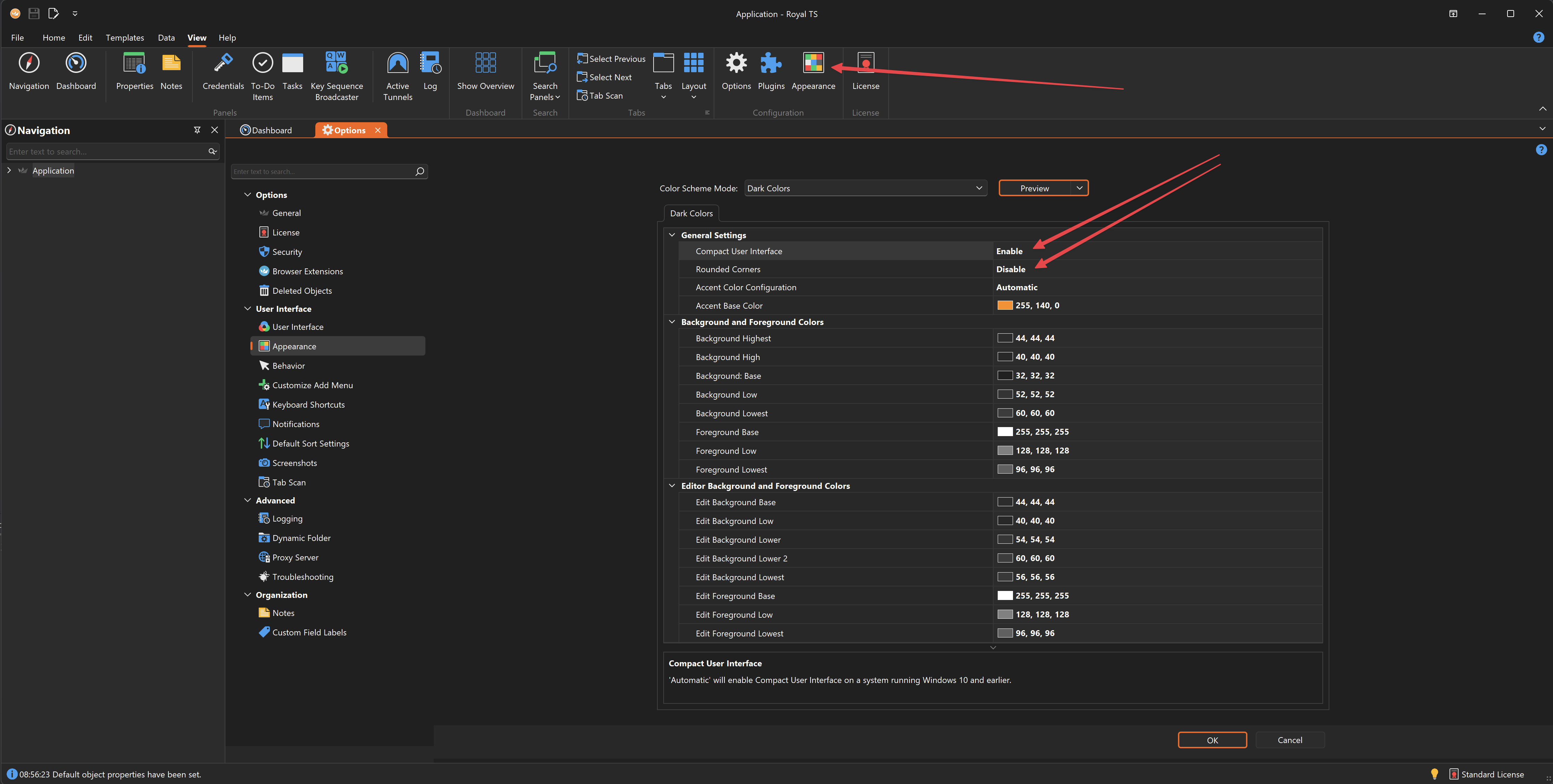
I like to have the maximum amount of real estate available to my RDP sessions. Since upgrading to RoyalTS 7 the title bar and memus take up about an inch of real estate at the top of a 21 inch monitor. This could be reduced by half if you remove some of the gaps in the UI.