I need to connect to a Windows Server via RDP, which worked fine so far. Now we have a Bastion Gateway “Jump Server”. I know how to do the configuration under Windows mit MobaXTerm, that works fine.
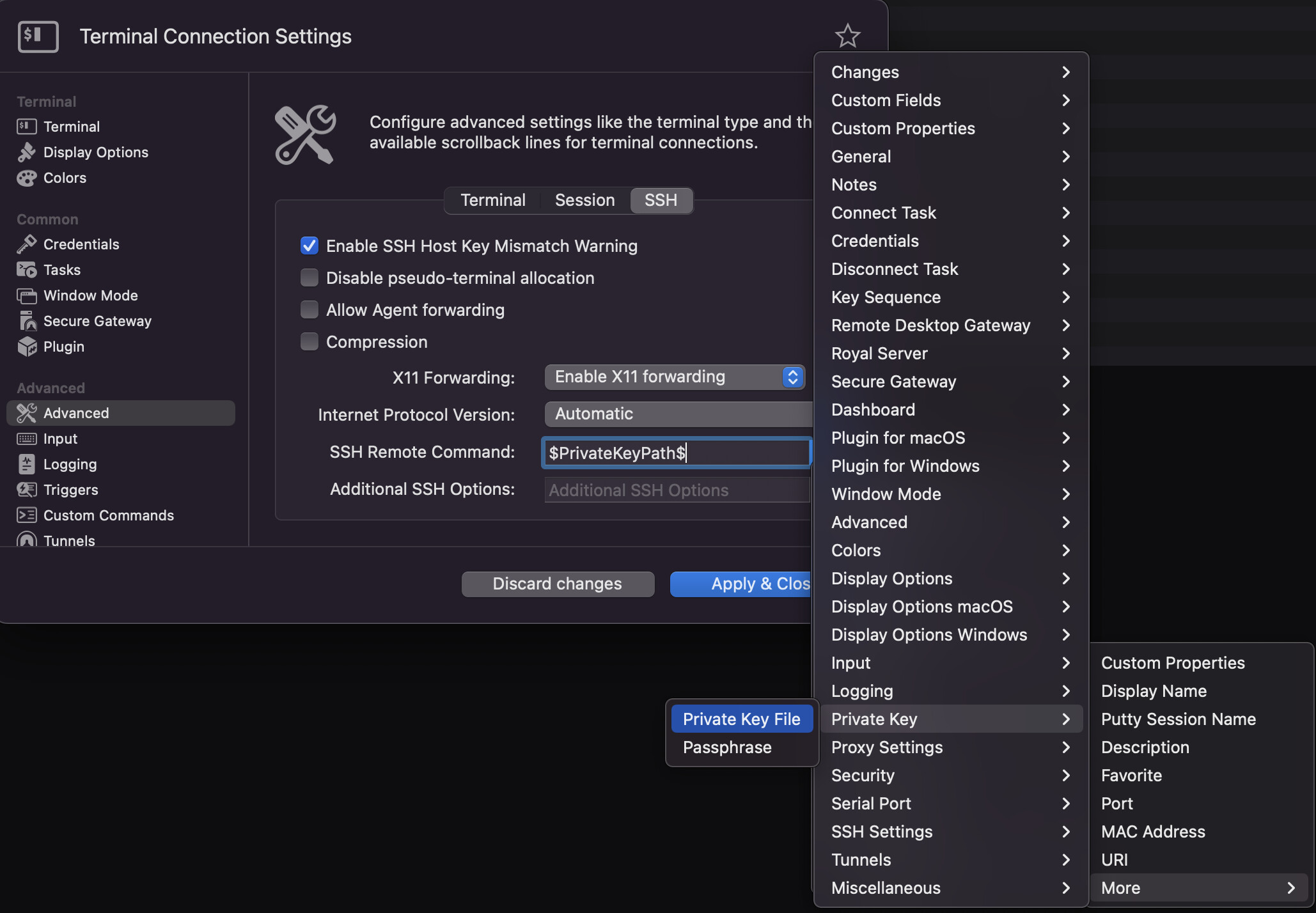
I simply don’t understand how to configure Royal TSX When I create a “Remote Desktop Connection” I can’t provide a private key file (which I have to).
Now I figured I need a “Terminal Connection” for a SSH connection, but that doesn’t work either –> Host not found
Alternatively, you can use our secure gateway feature, which you can find out about more by following this link: https://www.royalapps.com/go/blog-ts-winmac-securegateway
If you already have a (Linux) jump host, you can use it via Secure Gateway.