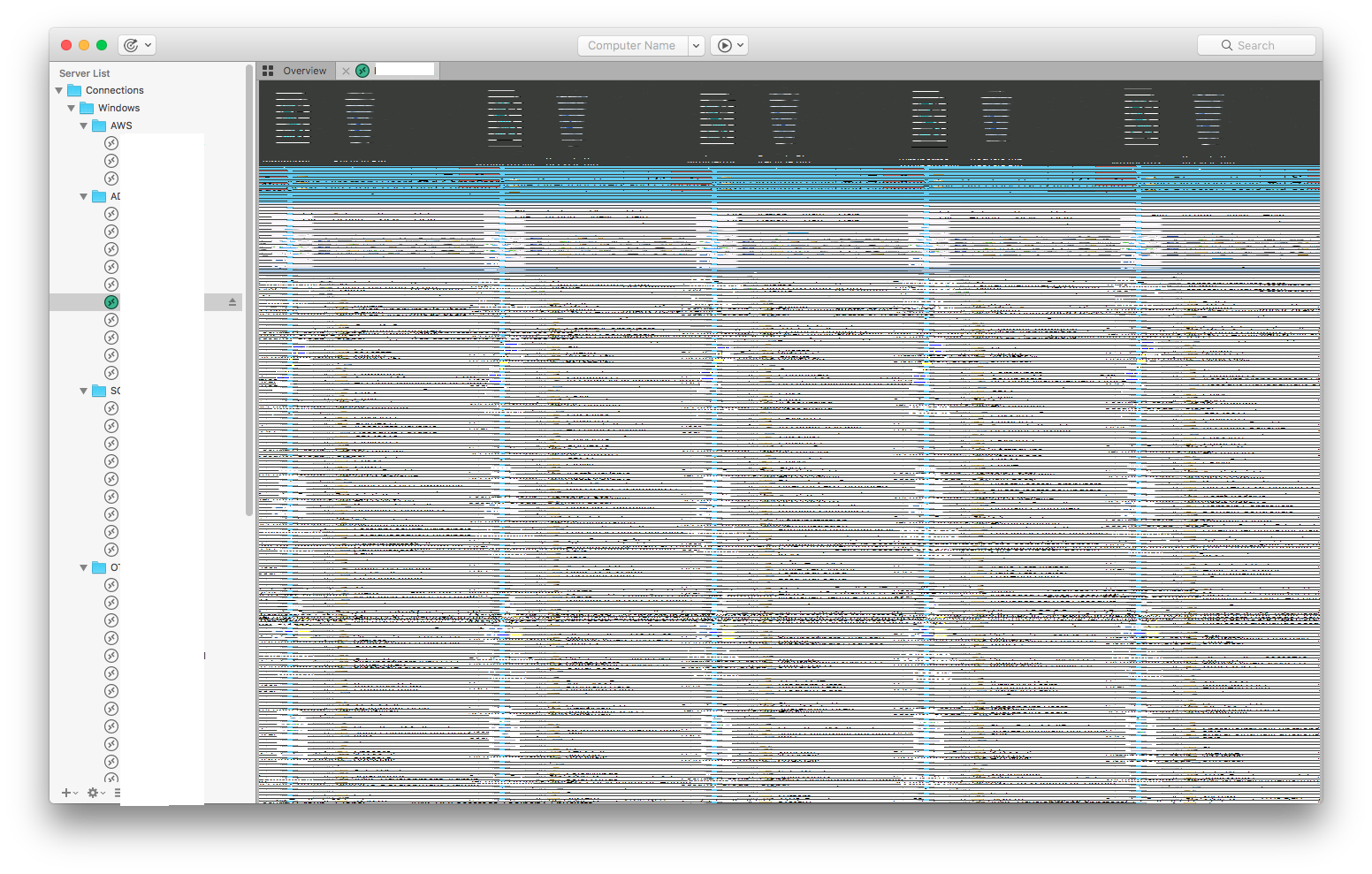
Recently, I can’t use RDP at all. It displays the same rendering issue for every server I connect to (see attachment). No matter the server type, it always displays the same image.
I’ve tried disabling hardware accel, layer-based rendering, etc, nothing changes. I’ve tried tweaking performance, creating a new document and deleting the application- still no fix. I have also rebooted, and tried only on my laptop (without external monitors).
wow, that’s weird. Especially because you mentioned you tried with and without hardware acceleration and layer-based rendering.
Each of those settings causes the sessions to be rendered with completely different implementations (CoreGraphics vs. OpenGL vs. Cocoa Layers).
If all of those result in the same issue and you tried different destination hosts that pretty much only leaves the display drivers/hardware as potential source of the error.
Do you have another Mac available to test this on?
If not, could you please try to create a new user account on your Mac and try to reproduce the issue with this new account? Also, please disconnect any external devices that could mess with the display, like docking stations that include graphics output for instance.
Hey Felix, I just tried it on a new user account and it works fine. When uninstalling, are there any plists or other files I should be deleting besides the app itself? I’m wondering if one of those is messing up.
I doubt that it has anything to do with Royal TSX’s settings but you can pretty much reset everything by deleting the directory at ~/Library/Application Support/Royal TSX and the plist at ~/Library/Preferences/com.lemonmojo.RoyalTSX.App.plist.
Please make backups of both before deleting them as they contain your personal settings. Also make sure that Royal TSX is not running when removing them.