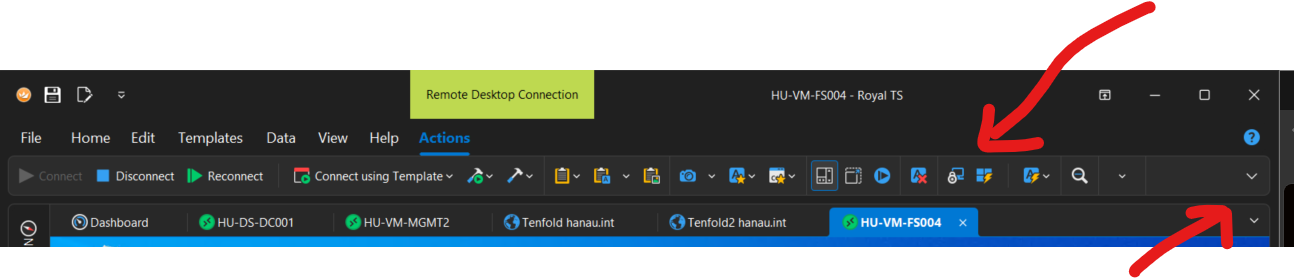
External windows are also shown separatly with the other programs on the windows taskbar. It is not needed mixed in with the other tabs.
They could be moved and made small on the right side (Pull down) or above the tool ribbon.
It should be a setting in the properties if they should be shown separatly or mixed in with the active windows.
I sometimes have a lot of connections open, and the external windows are a bother.
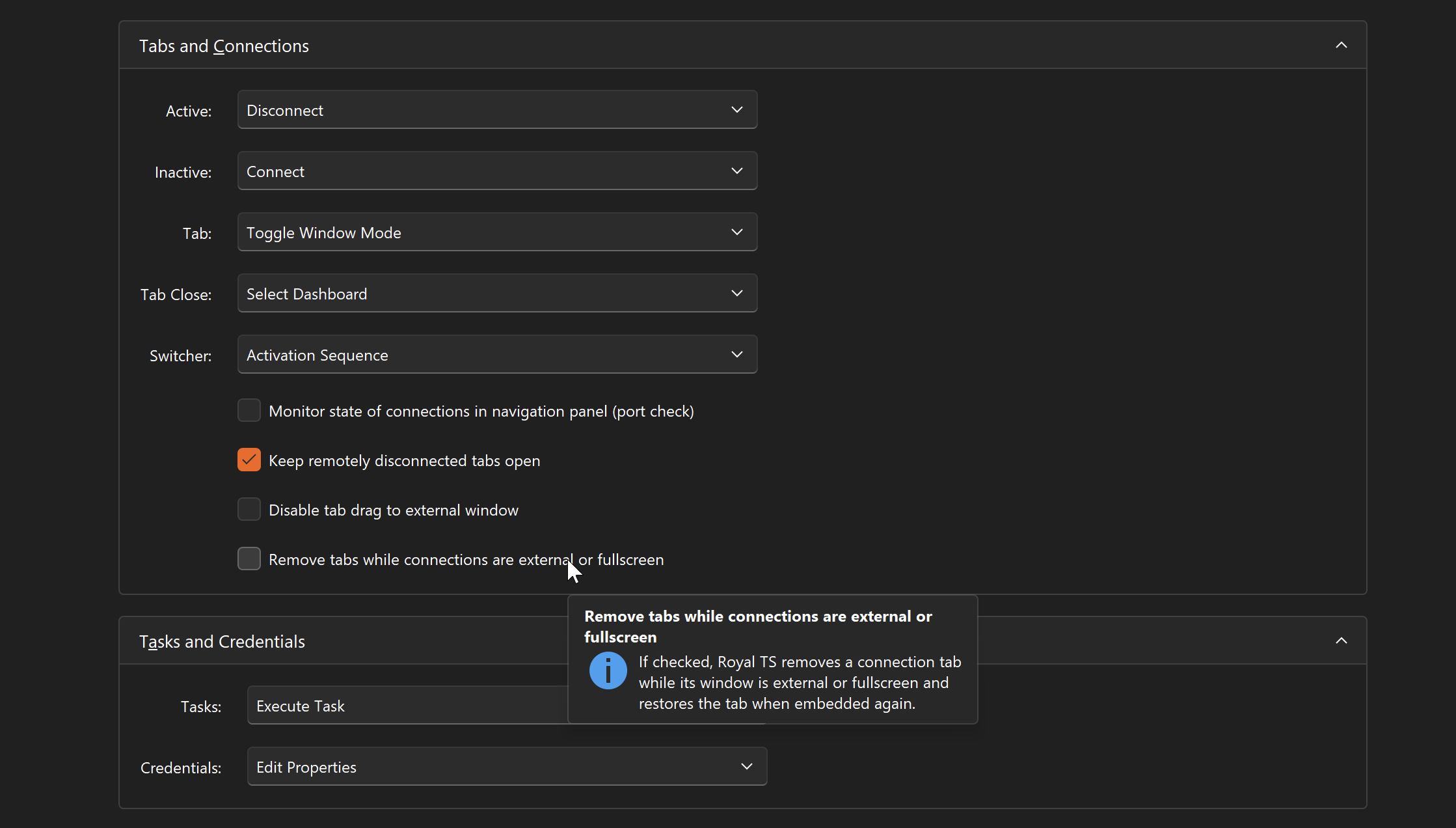
Thanks for the feedback. I looked into it and was able to implement that feature for Royal TS V26. There’s a new option (see screenshot) to enable it. When enabled, external or full screen connections will be removed from the tab group. On the View ribbon tab, there’s a new drop-down Windows which gives you access to the external/full screen windows. If the option Automatically focus active connections is enabled, selecting an active connection in the navigation tree will bring up the external window.
Brilliant! Thanks, that was very fast.