I have a connection set up to open a terminal window (not SSH; this is on the same Mac host I am running Royal TSX on).
Connection Type is Custom Terminal
Computer Name is blank
Under Advanced/Custom Commands - I have my command with “sudo …”
Of course I’m prompted for a password.
So I set up an Instant Trigger to match on the expression “Password:” and for Parameter, I sent the $EffectivePasswored$
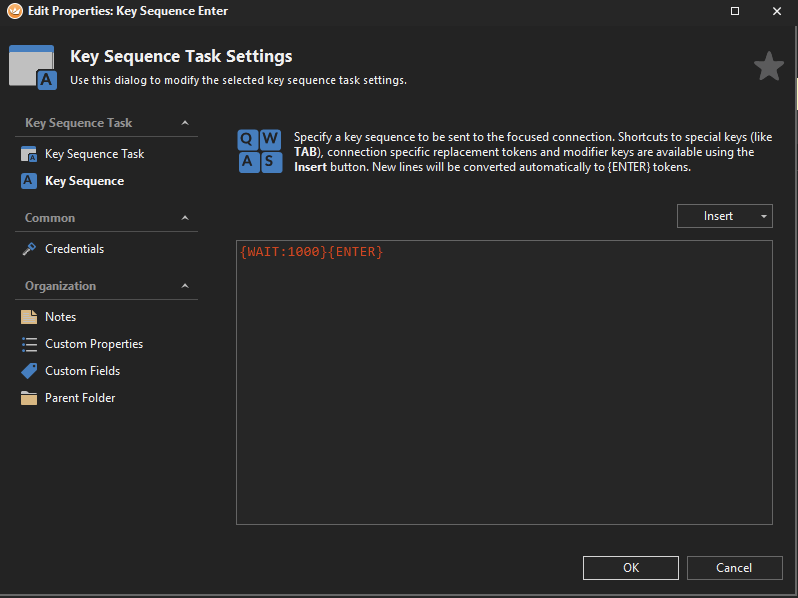
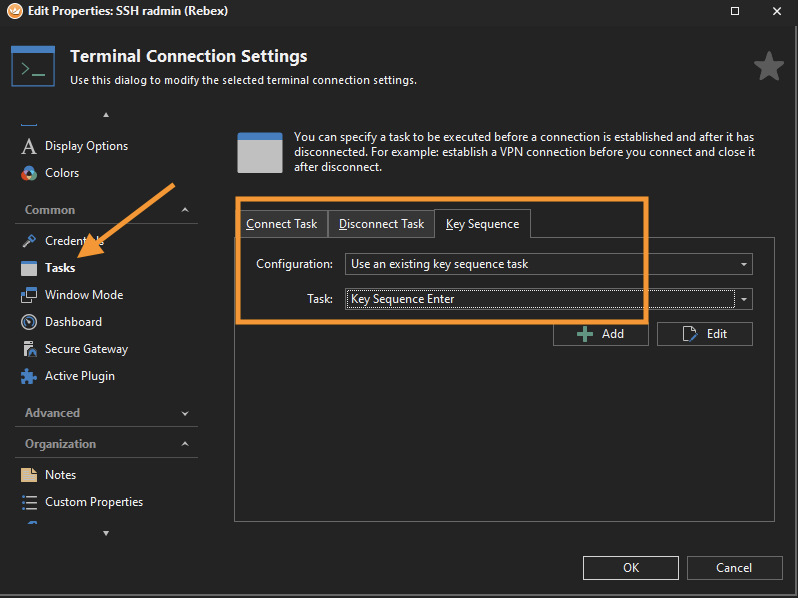
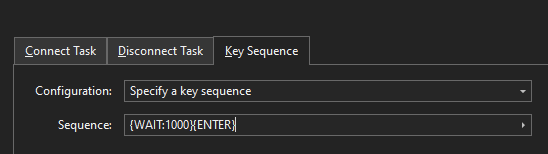
But when I launch this, it pauses on the password prompt – simply pressing enter allows it to proceed but I’d like it to auto-run the command. Can this be done?
Thanks