Hello,
I use RTSX to connect to a windows remote, and I cannot type “!” char, instead I had a =. Other keys are OK
I tested with native Windows APP, and a ! is sent.
My keyboard is a PC keyboard with PC layout installed on macOS
Version : 6.3
Hello,
I use RTSX to connect to a windows remote, and I cannot type “!” char, instead I had a =. Other keys are OK
I tested with native Windows APP, and a ! is sent.
My keyboard is a PC keyboard with PC layout installed on macOS
Version : 6.3
Hi,
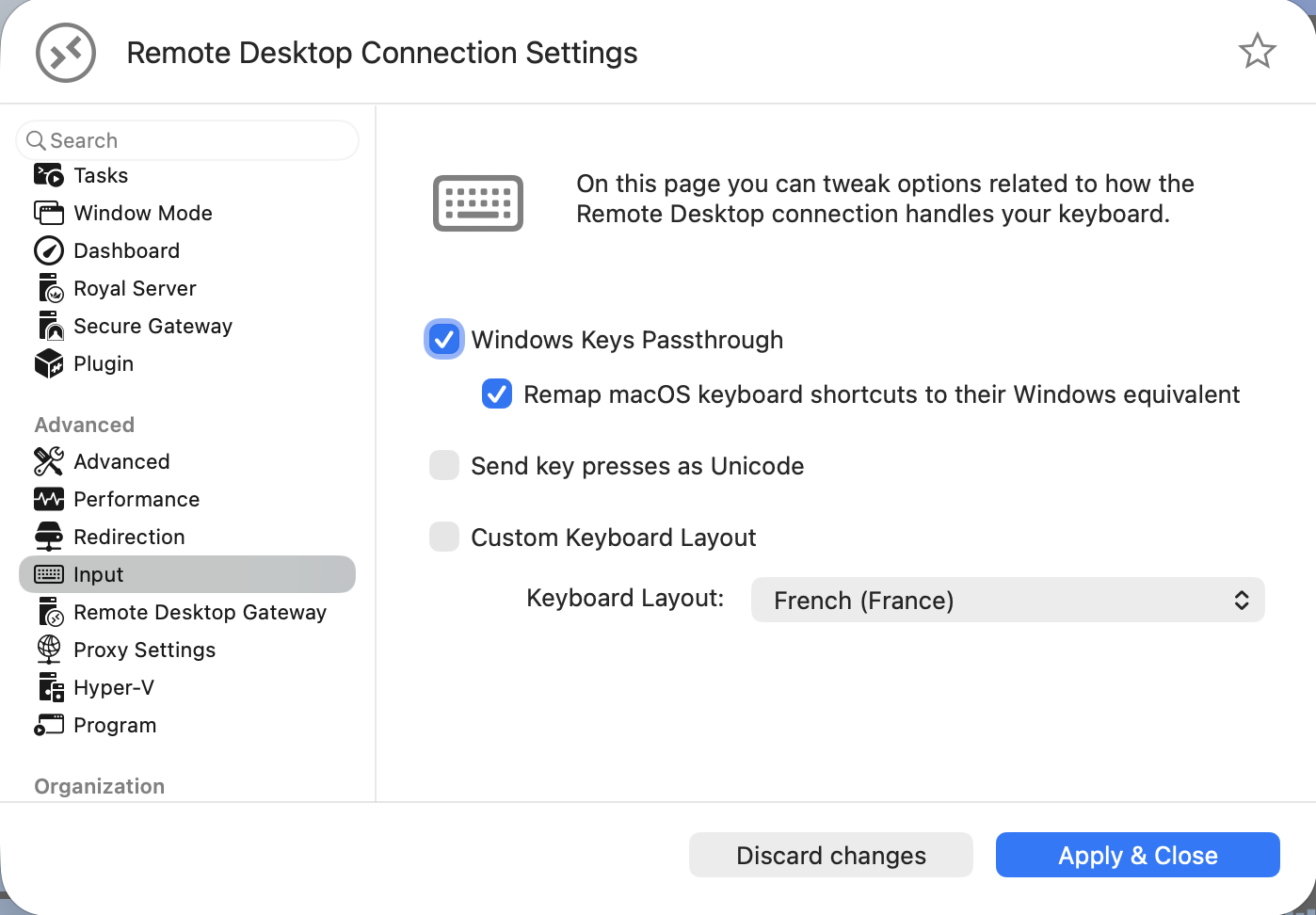
may I ask if you have configured the keyboard layout in the properties of the connection like this?
Yes, and the ! is the only key wrong mapped, I tested other keys, and they’re ok.
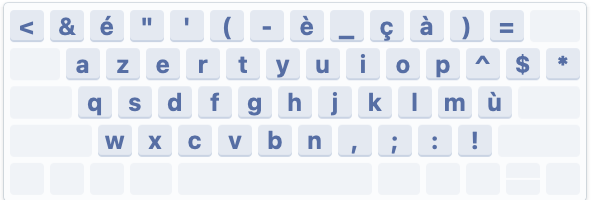
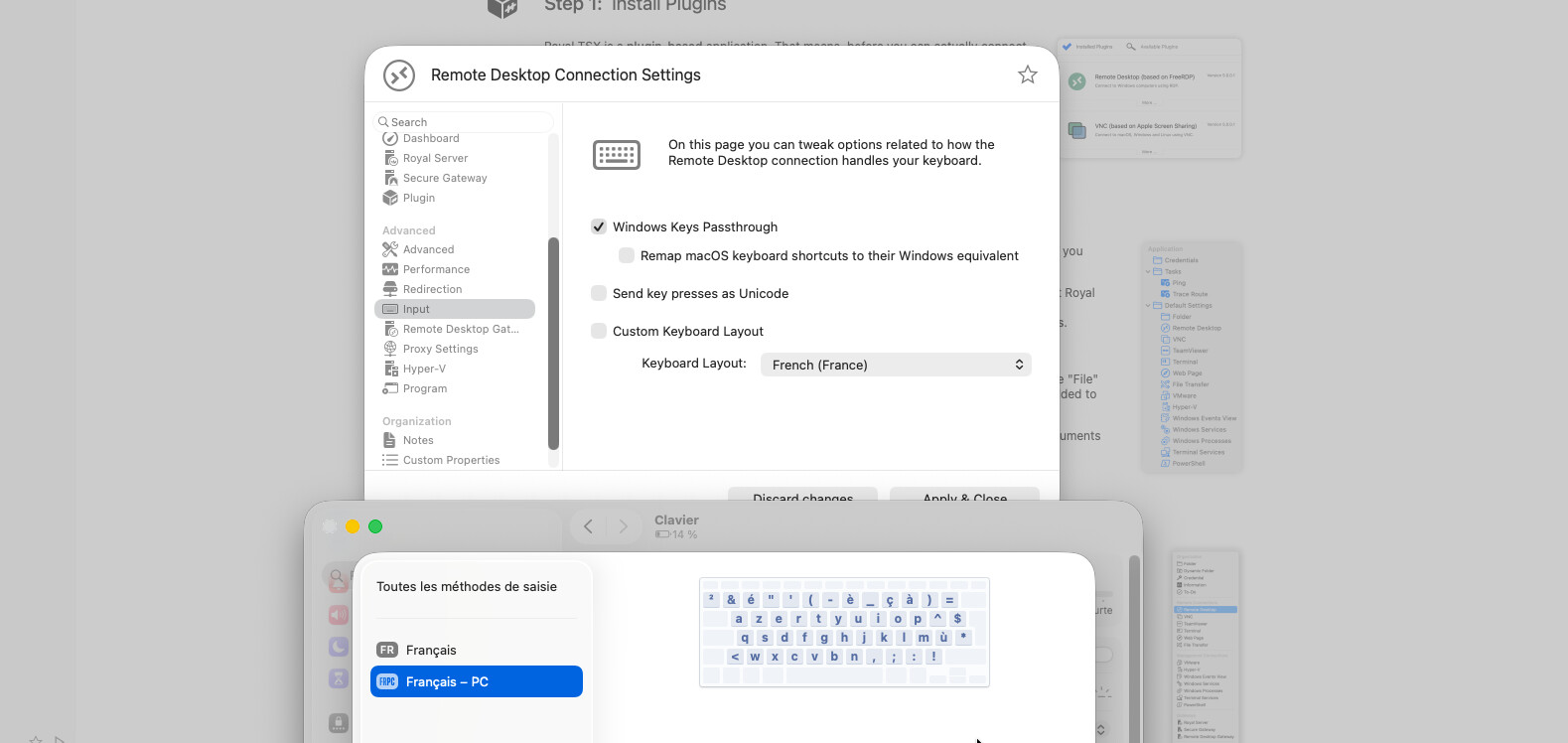
Hi, thank you very much for the update. May I ask what Keyboard Layout you have configured in macOS? I have tried to reproduce this issue using the “French PC” keyboard layout and with that it works as expected:
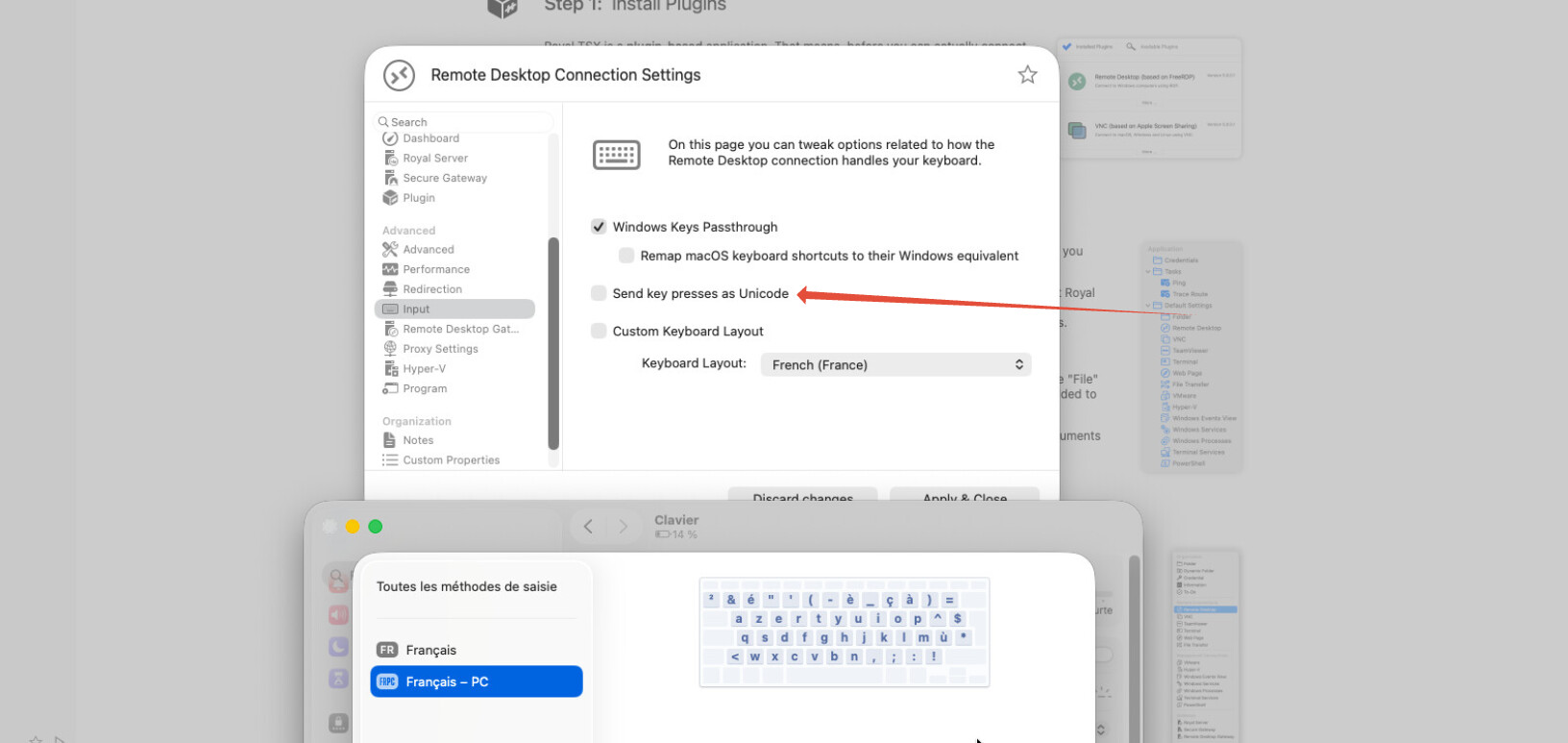
One last thing, could you please enable the “Send key presses as Unicode” setting and let me know if that resolves the issue? Thanks!
I cannot use this, some other char are not working
On macOS I use frpc layout
the windows target is FRA - Azerty
After retest, I see on the target, the key code send by ! and = are the same, like they are same key
If I use xfreerdp no problem
I am sorry to hear that. Could you please send me a screenshot of how you have configured the input for this RDP connection?
It is worse
More bad key on full keyboard test
without this check, I have only one key in double (= 187) on = and ! key and all other correct in the three layer (minuscule, majuscule, alt gr char)
That is really strange. Could you please let me how the keyboard behaves when using Microsoft Remote Desktop?
Keys are ok with Windows.app from Microsoft
Hi,
the Royal Apps Dev Team found a bug that specifically affects the French PC layout and fixed it in the latest Beta version. Could you please install the Beta and update all the plugins and let me know if it resolves your issue? You can download the Beta from here:
https://www.royalapps.com/go/kb-ts-mac-downloadbeta
Last but not least, could you please let me know exactly what keyboard you are using? We believe that the issue mainly involves third-party keyboards, and it would therefore be interesting to know exactly which one you are using. Thanks!
Yes, it is good, problem solved 
But via update I cannot make it work, I uninstalled plugin, then reinstall plugin and now it is ok.
I use a old microsoft PC keyboard with multimedia keys
Thanks for the update, and for the information. I am just glad to hear that it is working now!