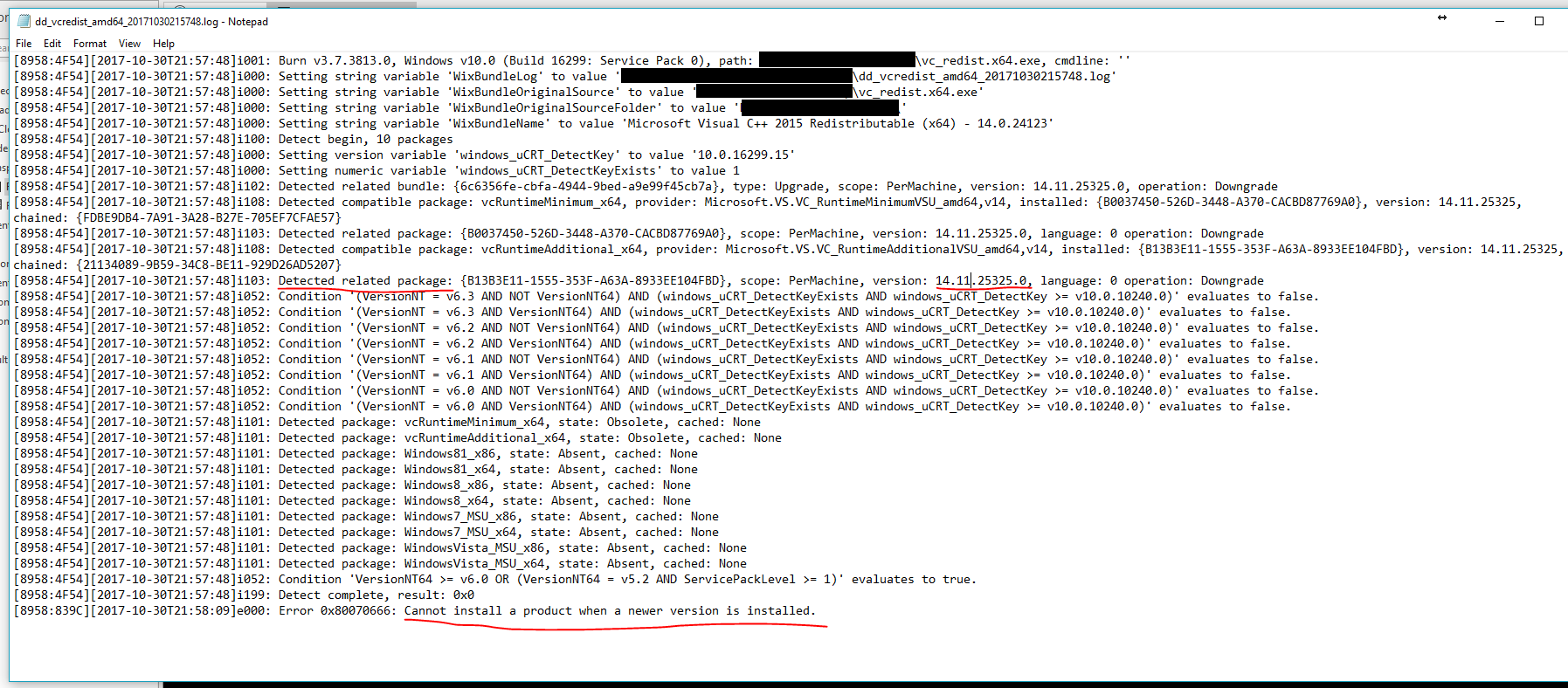
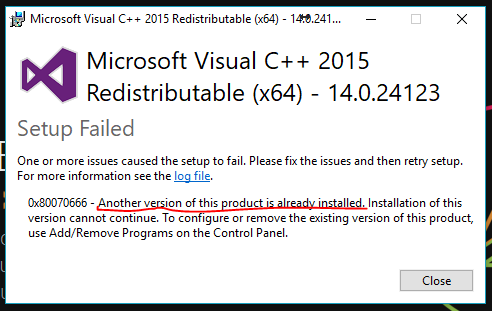
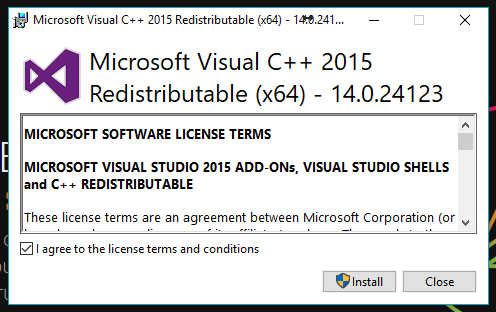
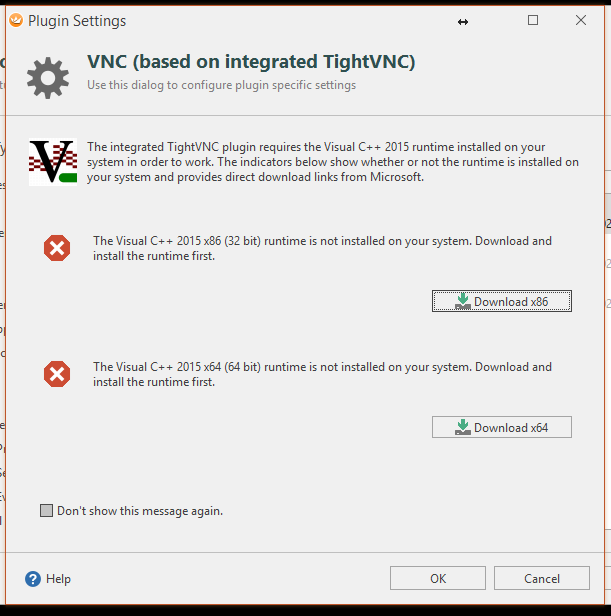
I’m getting an error icon when trying to open a VNC connection, saying that the Visual C++ runtime is not installed. I downloaded and tried installing the x64 version just to notice that I do have it installed, in fact a newer version than the one in the download page that the button took me to.
Also, if I click OK in the dialog with the “errors” and download prompts, I’m actually able to connect successfully.
So the seems to be that Royal TS is not detecting the Visual C++ runtime (maybe only certain versions of it?). I imagine the newer version that I have installed might have come from either of these:
-
Windows’ Fall Creators’ Update.
-
Visual Studio 2017.