Did you know that out of the box, Royal TS has the ability to send its logs to an Elasticsearch Server/Cluster?
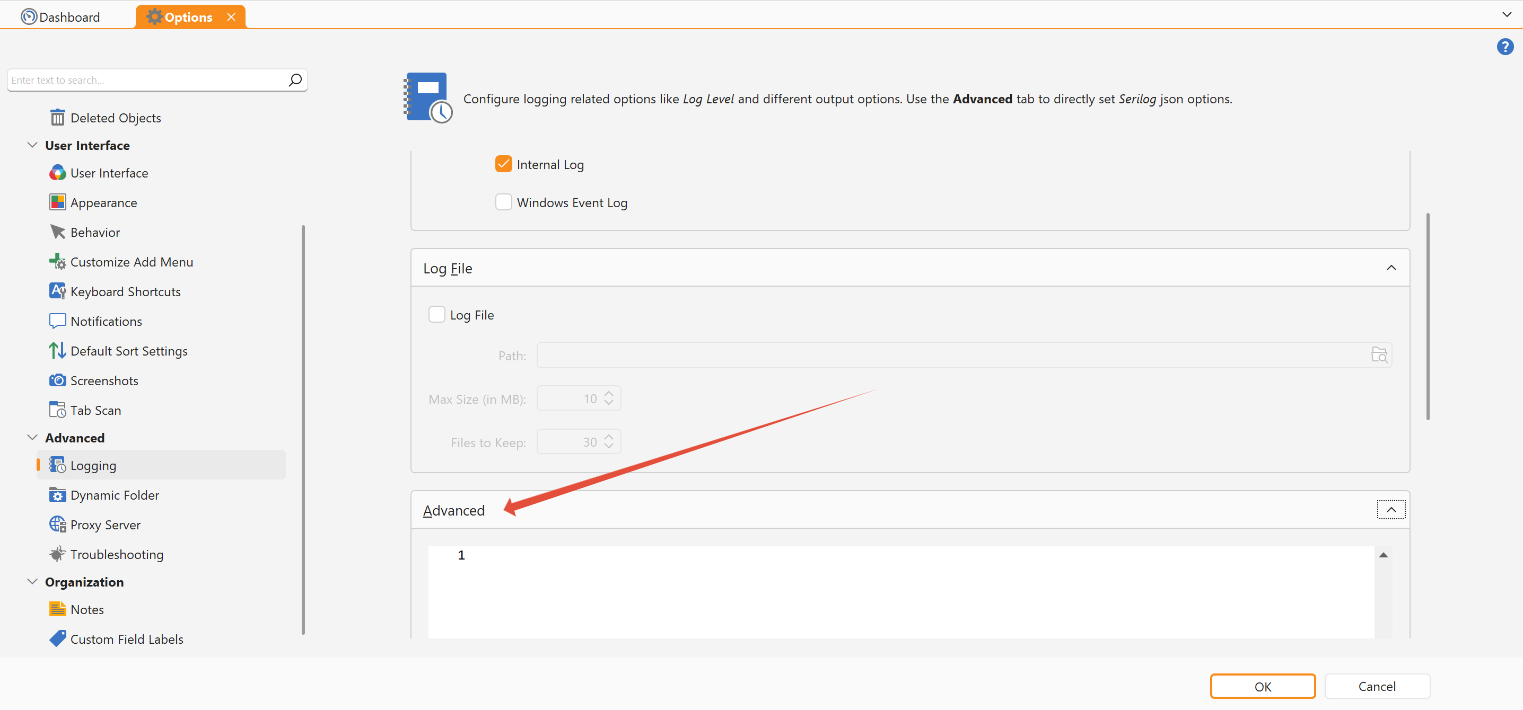
To do this, you will have to configure advanced logging in the Options under “Advanced - Logging - Advanced”:
The most basic configuration that works would be the following:
{
"Using": [
  "Serilog.Sinks.Elasticsearch"
],
"MinimumLevel": "Debug",
"WriteTo": [
{
  "Name": "Elasticsearch",
  "Args": {
    "nodeUris": "http://localhost:9200/"
  }
}]
}
So it should look like this:
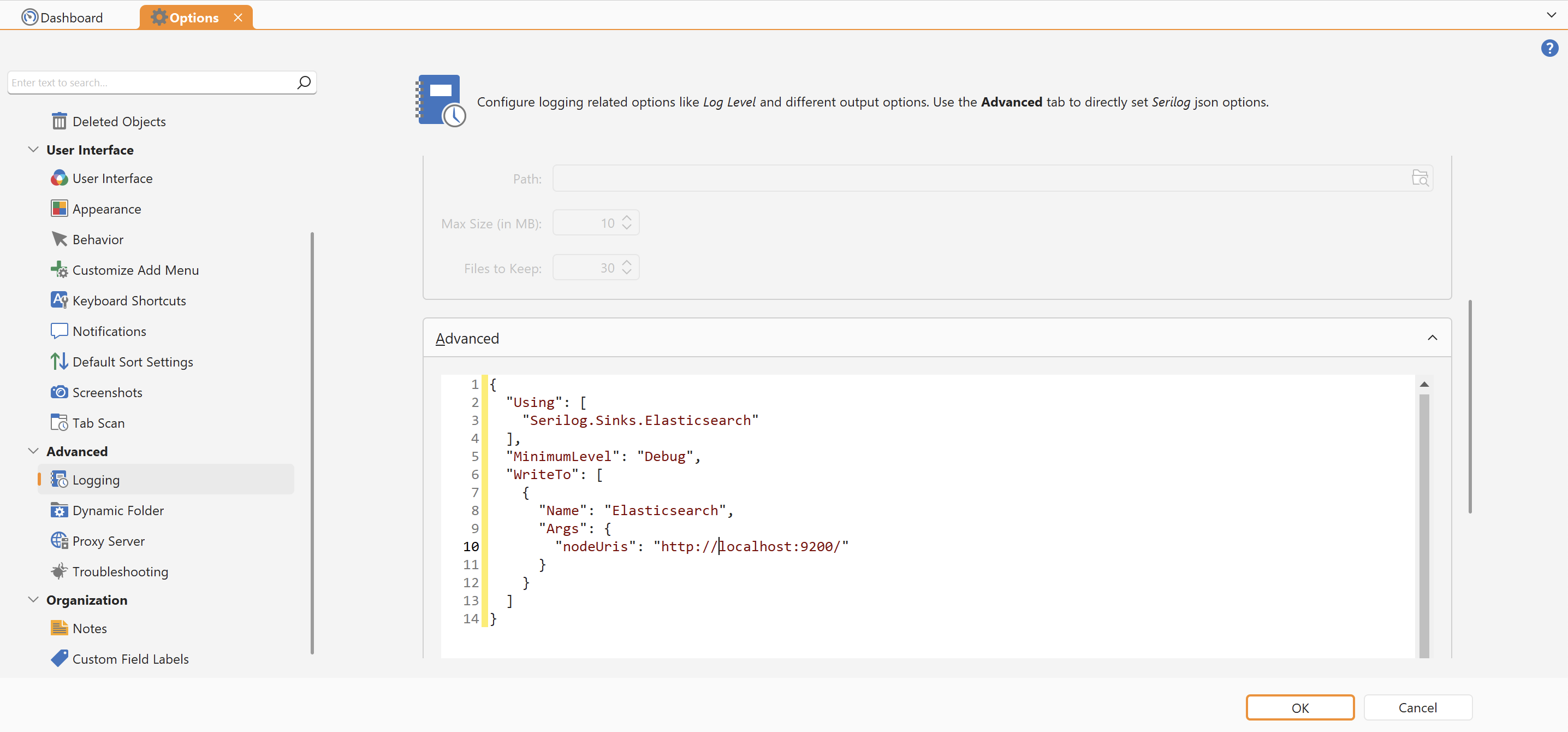
Please note that you will have to change the nodeUris URL. You can find more information on this topic here:
https://github.com/serilog-contrib/serilog-sinks-elasticsearch?tab=readme-ov-file#quick-start
The following document also describes how to setup a test environment to use Elasticsearch and Kibana for Royal TS logs.