Dear Royal TSX Team,
I really appreciate your software and use it frequently. However, I would like to request a feature that would greatly enhance usability - the ability to split windows both horizontally and vertically.
This feature would significantly improve workflow efficiency, especially when managing multiple connections simultaneously. I believe many users would benefit from this addition.
Thank you for your consideration, and I look forward to your response.
This feature on mac would be nice, i see it has been implemented on windows already.
thank you.
Royal TSX already has this feature.
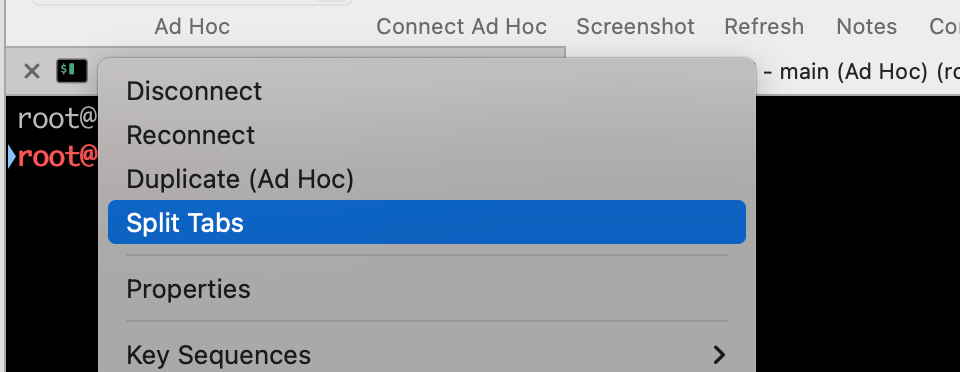
Double tap on terminal’s title bar and click “Split tabs”. Terminals will be split vertically.
While title menu open, press “option” key and then you can split terminals horizontally.
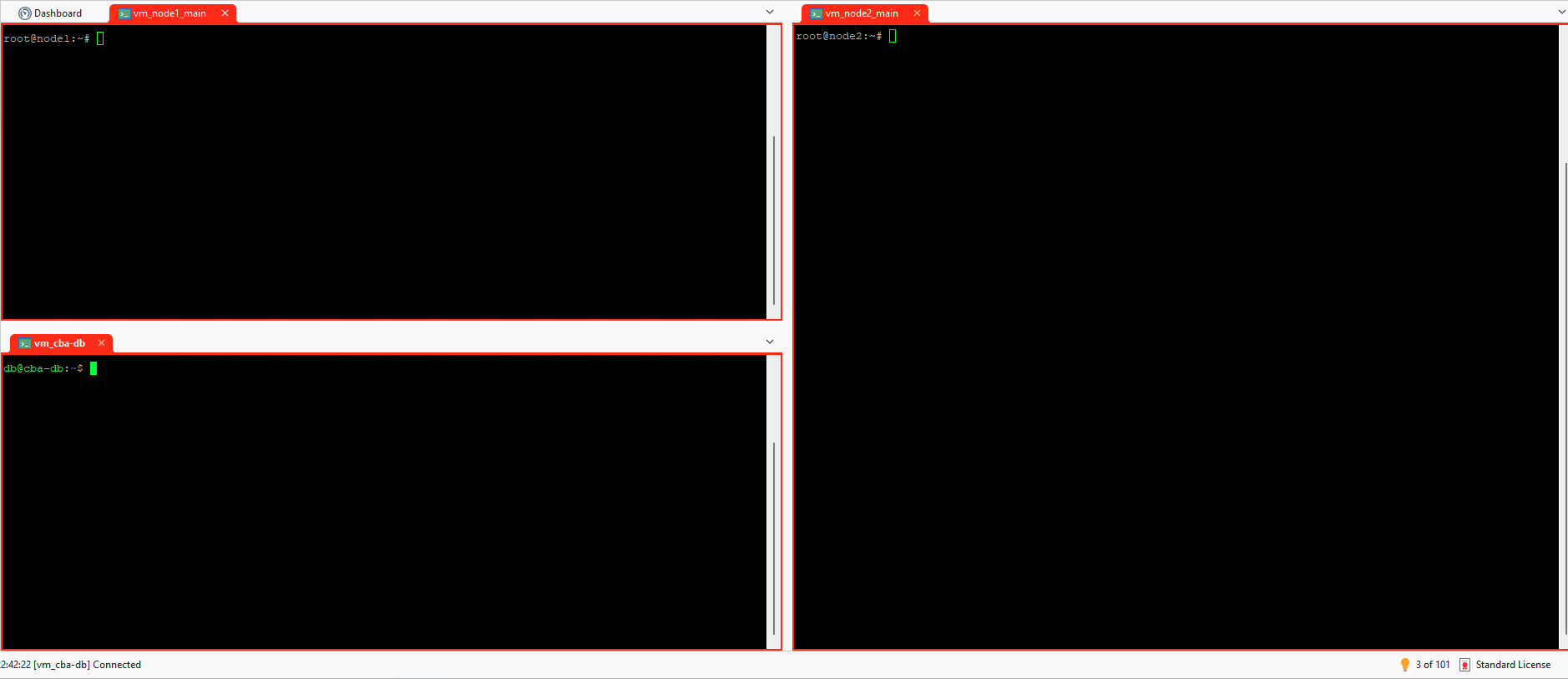
Yes, it does split but unlike windows where you can have horizontal and vertical splits at the same time. we can’t do the same on the Mac OS version. this is what i mean. this is on the windows version
You right. Simultaneous horizontal and vertical split does not work on Macos.
Hope devs can implement it. Nice feature.
+1 on this feature request - as a new user on RoyalTSX since I moved to mac I really miss this feature
as well as the syntax coloration.
+1 on this feature - From my perspective, the terminal split functionality is one of the core features of a tool like Royal TS, and I believe there’s a real opportunity to make it more consistent and powerful on macOS.
This feature would be a great addition. Given the number of users who have expressed interest, it makes sense to prioritize its implementation as soon as possible.
Looking forward to seeing it in a future update!
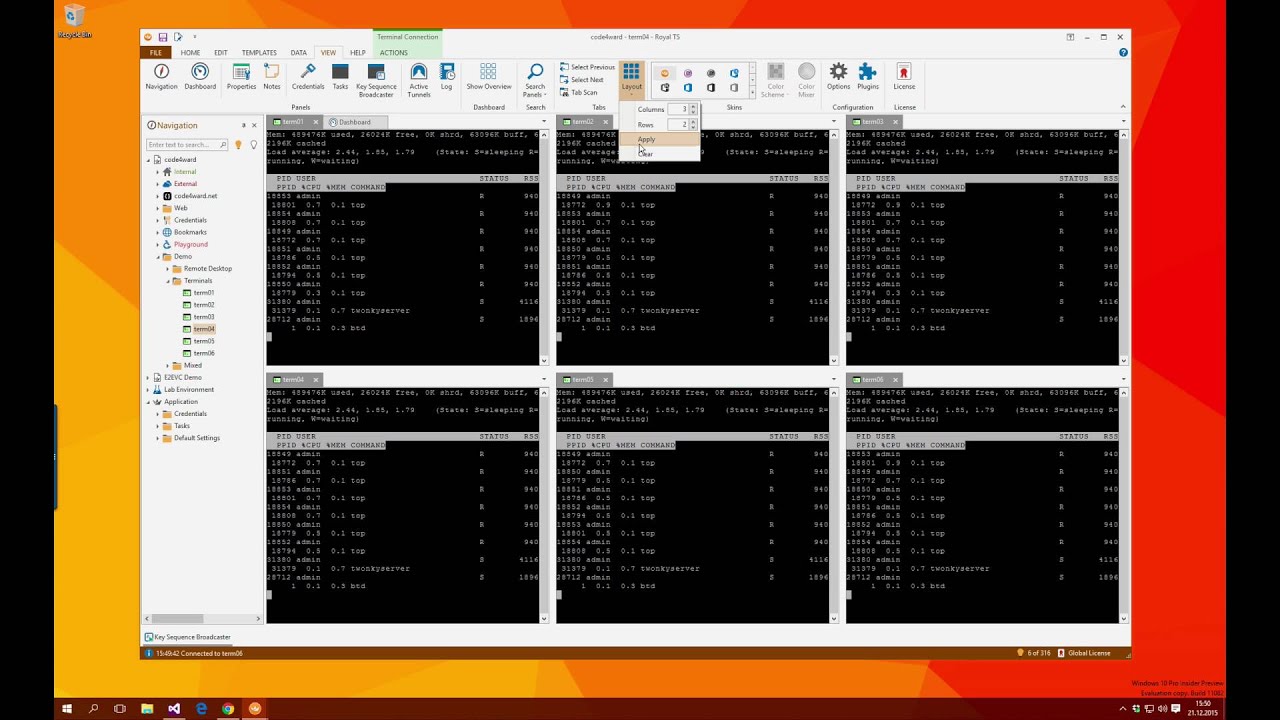
It came out that tab layout feature (vertical and horizontal tabs) was already 10 years ago on Royal TS.