You can’t type them in! If I am connected to a linux/unix box and I go to
/home/oracle
no problem
if I type in
/home/oracle/.ssh as soon as I type the . I get
An error occurred while executing the action ‘Change Directory’. No such file; No such directory. Do you want to reconnect?
However if I cut and past from the clipboard the full directory with the .ssh I can then browse to that directory.
So manually typing the . in the address bar doesn’t work right!
Hi Jason!
Thanks for reporting this bug. The next release will have that fixed.
Regards,
jo_o4
February 15, 2017, 8:28pm
3
Hi Stephan,
Any updates on an eta for this ,
We ran into this independently today and it was a bit of a pain for a moment!
Regards,
Jo
Hi Jo,
can you check the latest beta version:
Royal TS V7:
Royal TS V6 or earlier:
This release should have this fixed.
Regards,
jo_o4
February 16, 2017, 9:51am
5
Hi Stefan,
The Beta fixes the problem of disconnecting and the error messages, although I still can’t access a hidden directory (starting with a .) by typing it into the path bar at the top, is there a way of looking at hidden folders that I’m missing?
Thanks for your help,
Jo
jo_o4
February 16, 2017, 9:59am
7
I didn’t - Thanks sorted it.
Thanks again for your amazingly prompt support,
Regards,
Jo
You’re welcome! Glad that helped!
mark_n
July 24, 2024, 9:13pm
9
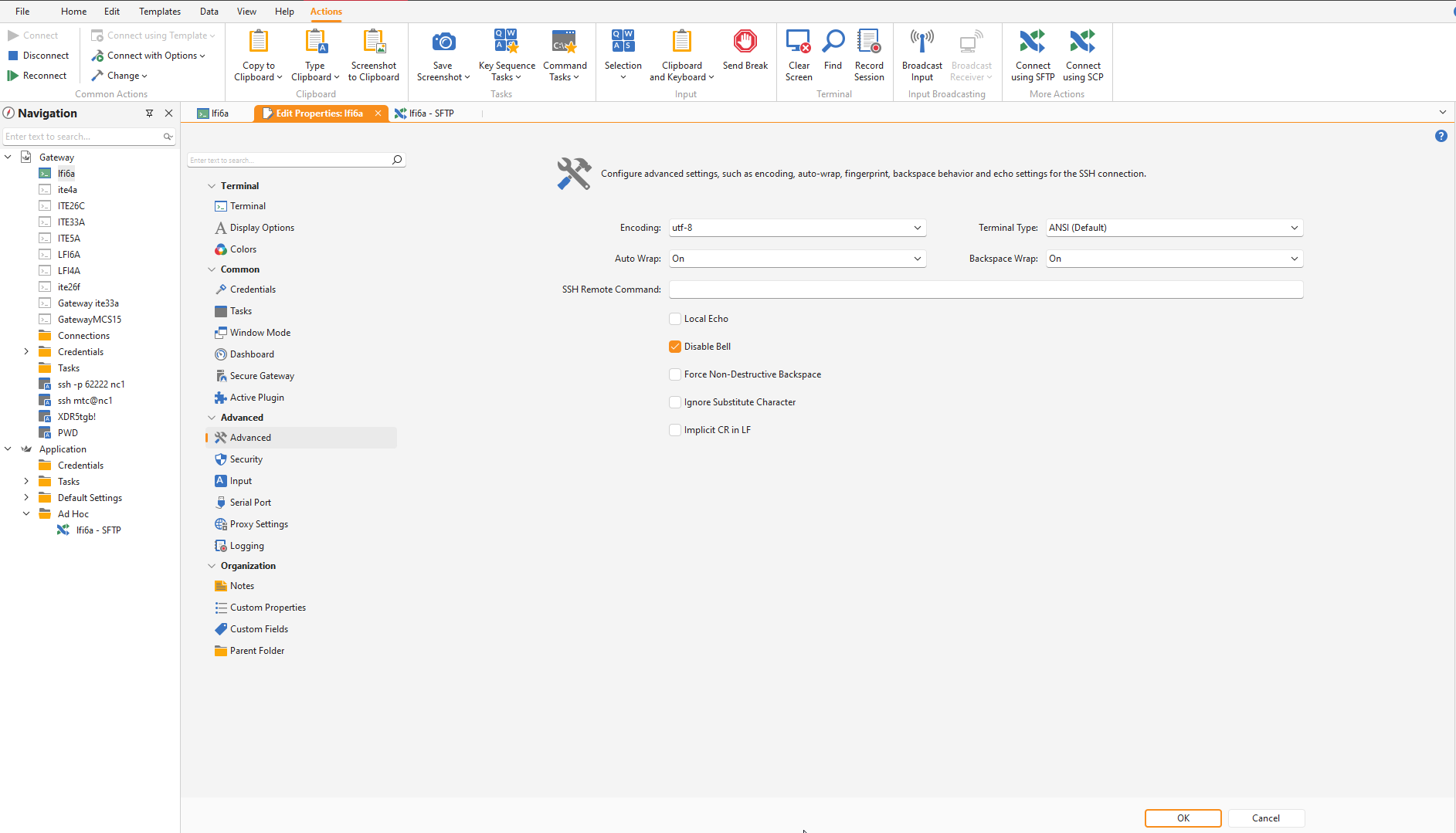
Hi, I have Royal TS version 7 but I don’t see the option “Show hidden files” in Advanced.
Hi Mark,
I’ve just replied to your ticket earlier but will paste the answer here as well:
for Terminal connections, you can view hidden files with the command “ls -a” for instance:
https://askubuntu.com/questions/232649/how-to-show-or-hide-a-hidden-file
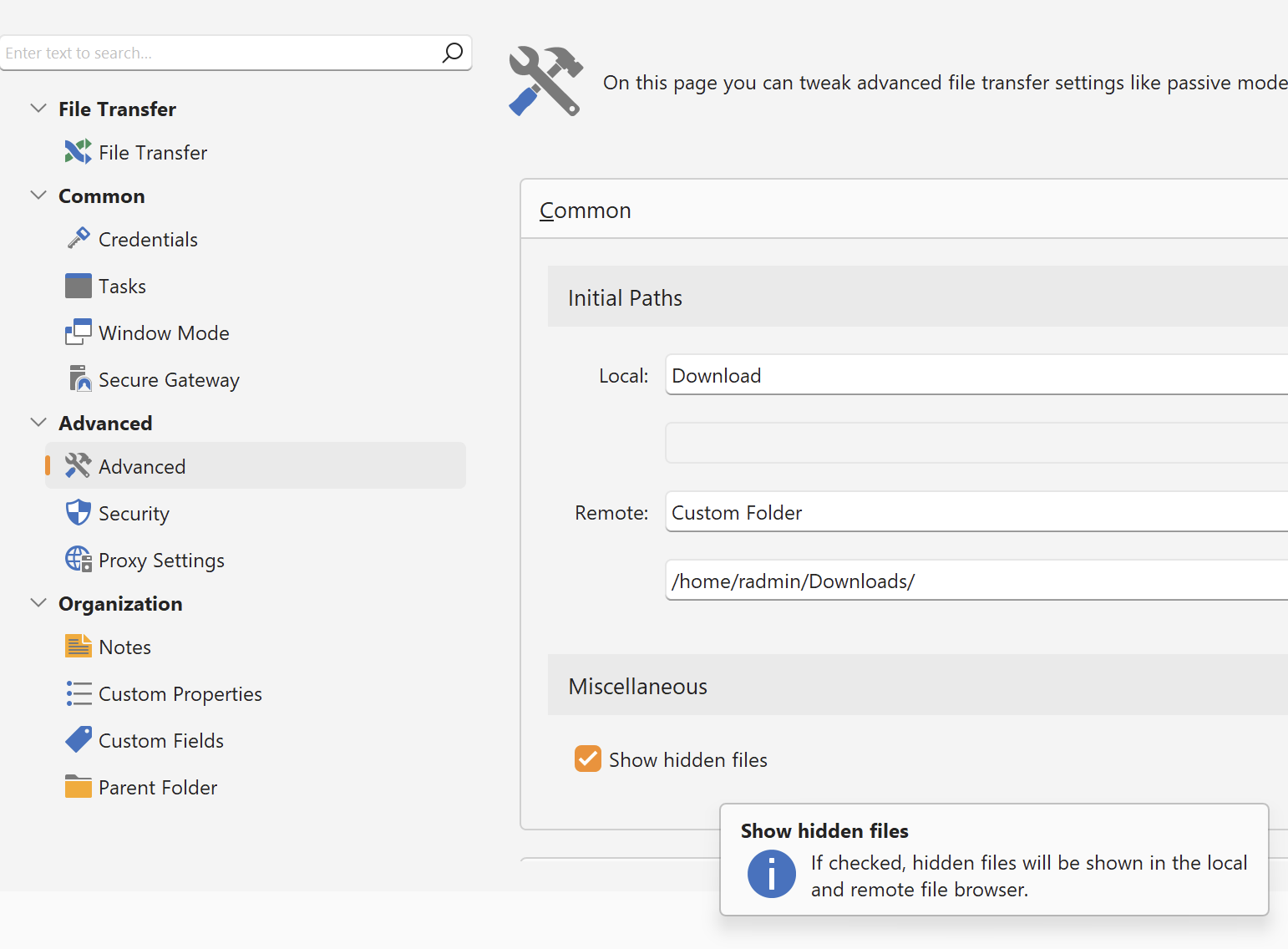
For File Transfer connections, the option can be found in the “Advanced > Miscellaneous” section as shown here:
I hope this helps!
Best regards,
Christoph