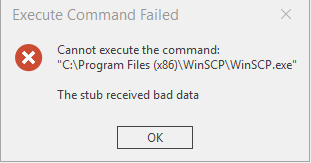
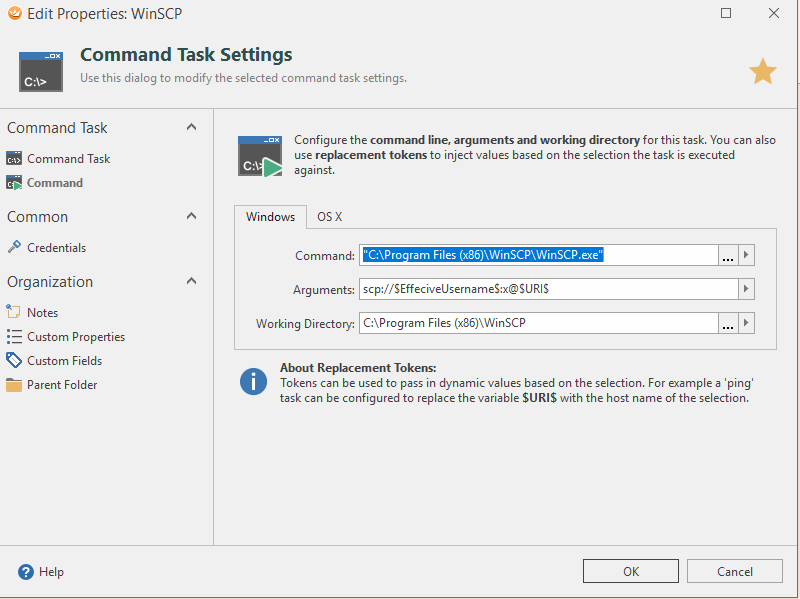
Hi, I’m trying to pass in my username/password for an ssh connection to WinSCP. I created the connection, and I created a “task” The task info currently is:
Perhaps I am approaching this incorrectly, I’m trying to reproduce what you can do in mRemoteNG > Right Click a connection > open a tool (where username/password/hostname) gets passed.
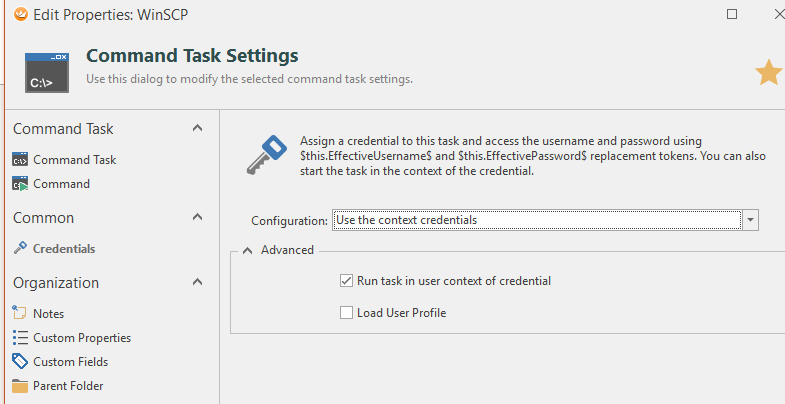
if you want to use the credentials from the context connection, you need to remove the this. - prefix. By default, all variables will be resolved from the context connection. To allow the task to use the credentials from the context connection, go to the Credentials page in the task properties and select “Use credentials from context connection”.
I see you run the task in the user context of the credential. Can you try to uncheck that box and see if this works then? Also, it shouldn’t be necessary to put the path to the command in double-quotes.
That worked! I believe it was the quotes around it causing all the drama! Might be worth stripping those out automatically in the future or something like that! Thanks for the help.