Hi Royal TSX team,
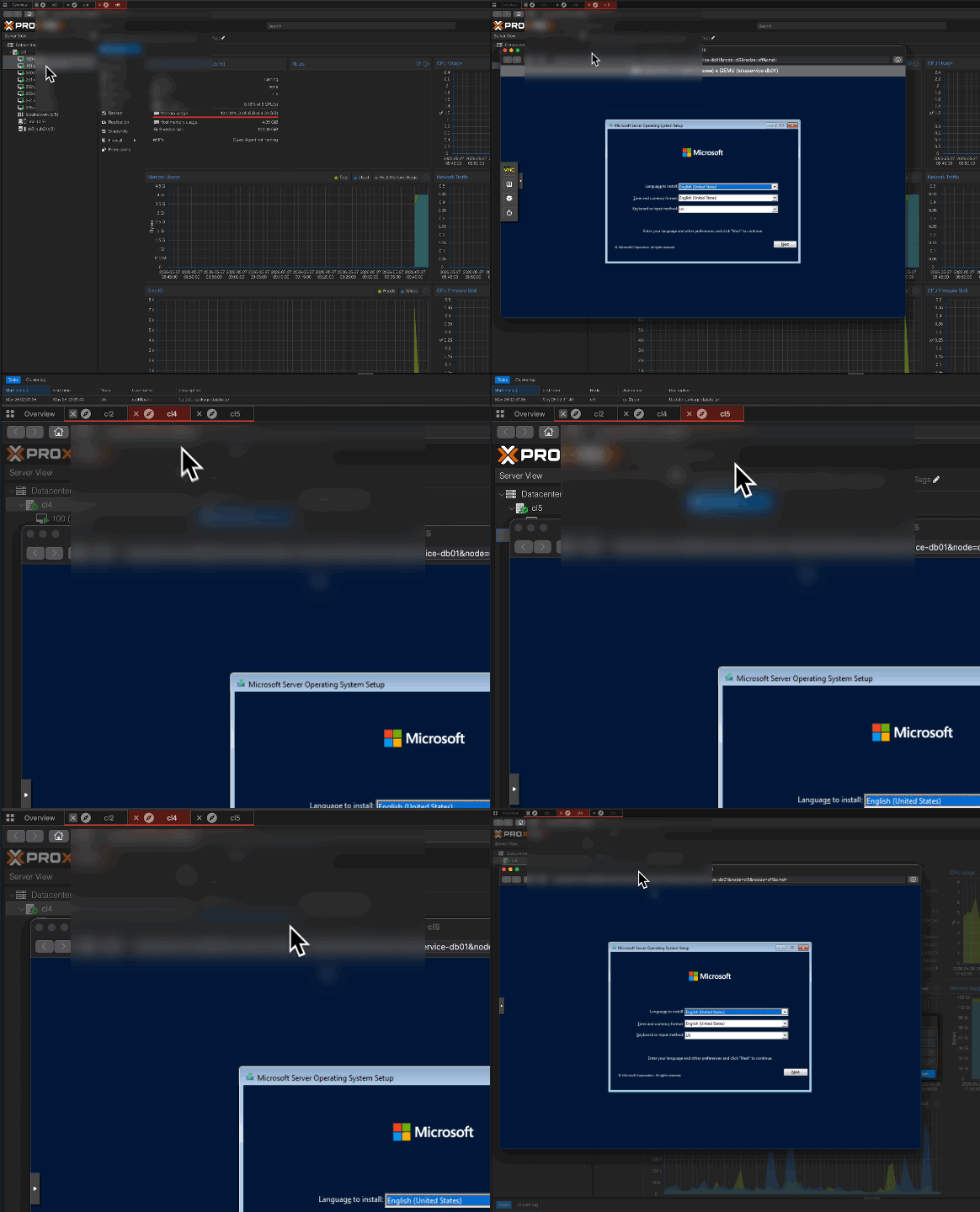
I have a feature request regarding how external popup windows are handled in Web connections (for example, when opening a VM console in Proxmox or an iLO/iDRAC screen).
The Problem:
Currently, when a web interface triggers a popup, it opens as a separate, floating OS window. This window stays on top even if I switch to a completely different tab in Royal TSX. It forces me to constantly move, minimize, or restore these floating windows manually so they don’t block my view of other active tabs.
Proposed Solution:
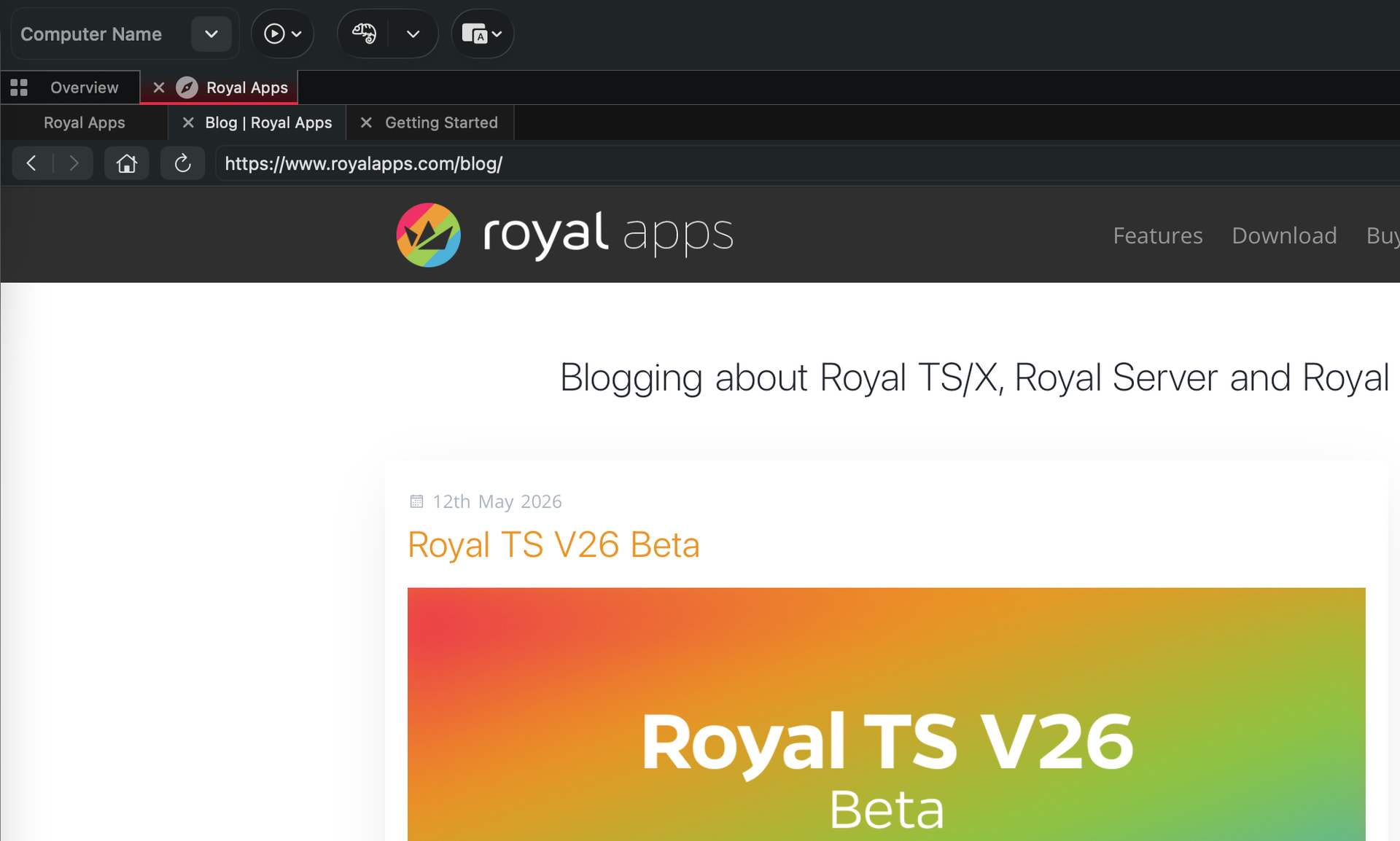
Instead of opening a floating external window, it would be fantastic if Royal TSX could intercept these popups and open them as a new tab within the main application window.
Furthermore, it would be ideal if this new tab is “linked” or “bound” to the parent tab that generated it. For example:
-
The new popup tab automatically opens immediately next to the parent tab.
-
(Optional) They could be visually grouped, or closing the parent tab could optionally close the child tab.
This approach would completely eliminate the annoying issue of floating windows blocking the UI, keeping the entire workflow neatly organized within Royal TSX’s native tab system.
Thank you for your time and for considering this improvement!