Hello,
When creating a command task, I’m unable to use $Description$ from the Command Task.
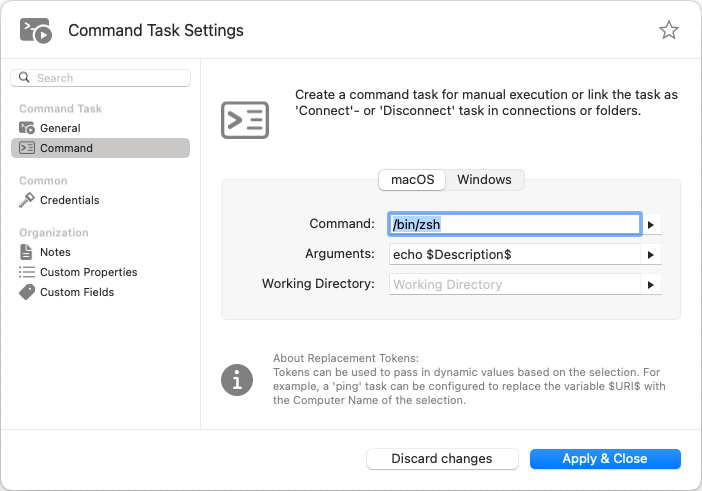
Notice that $Description$ returns empty:
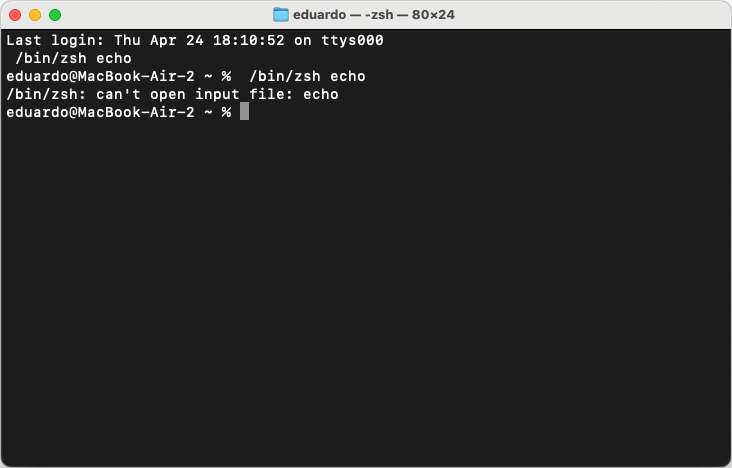
I’m able to use $EffectiveUsername$ and $EffectiveUsername$ into my scripts when attaching a Credential to it just fine:
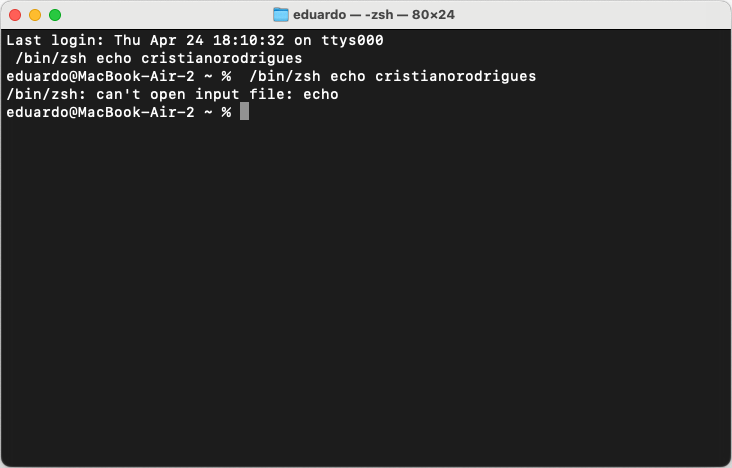
I believe that $Description$ returns empty because as Command Tasks can be associated to Remote Connections it parses the Description from there and not from the Command Task itself, but I would like to know if there’s other workaround.
The only workaround I could find so far is creating a Terminal (Custom Connection) and create a Custom Command, but it parses the Description from “Terminal (Custom Connection)” and the Credentials from the Command Task itself, which is strange.
I’m running RoyalTSX 6.2.1.