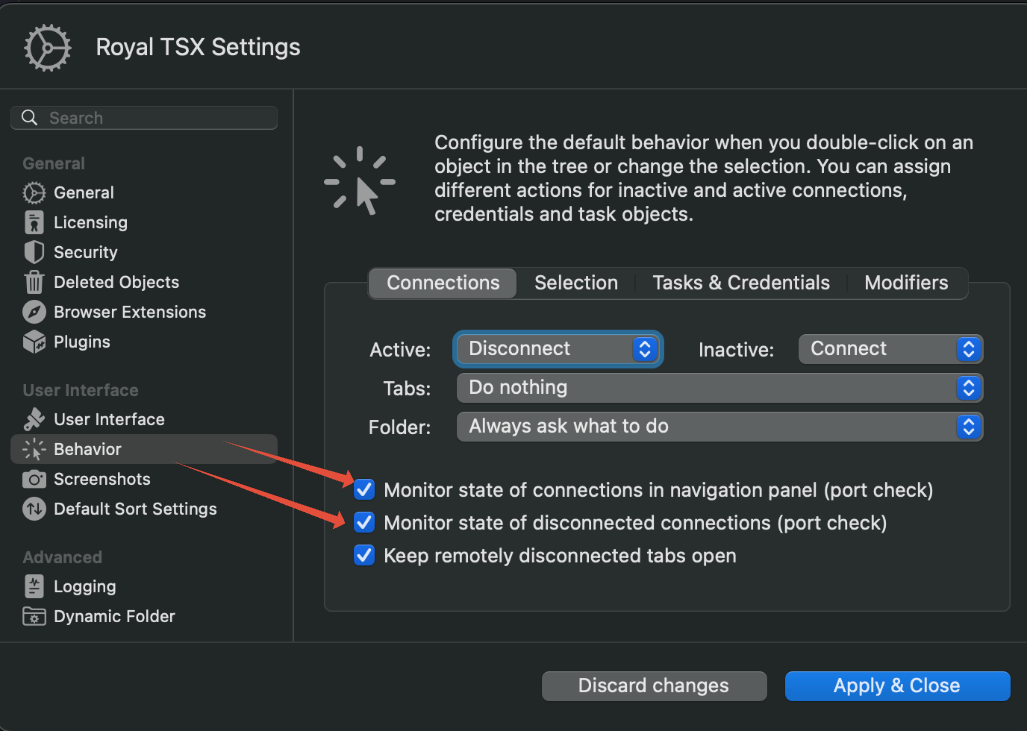
Using RDP, when I reboot and try to reconnect, it tries and then fails because the computer is still rebooting. Sometimes (not sure why I get it sometimes and sometimes it just closes) I get a page with a status dot and a connect button. If it’s green I can go ahead and reconnect, if it’s red I cannot connect. I’d like a way to bring up that page, maybe right click on the connection and choose connection page? Thanks.