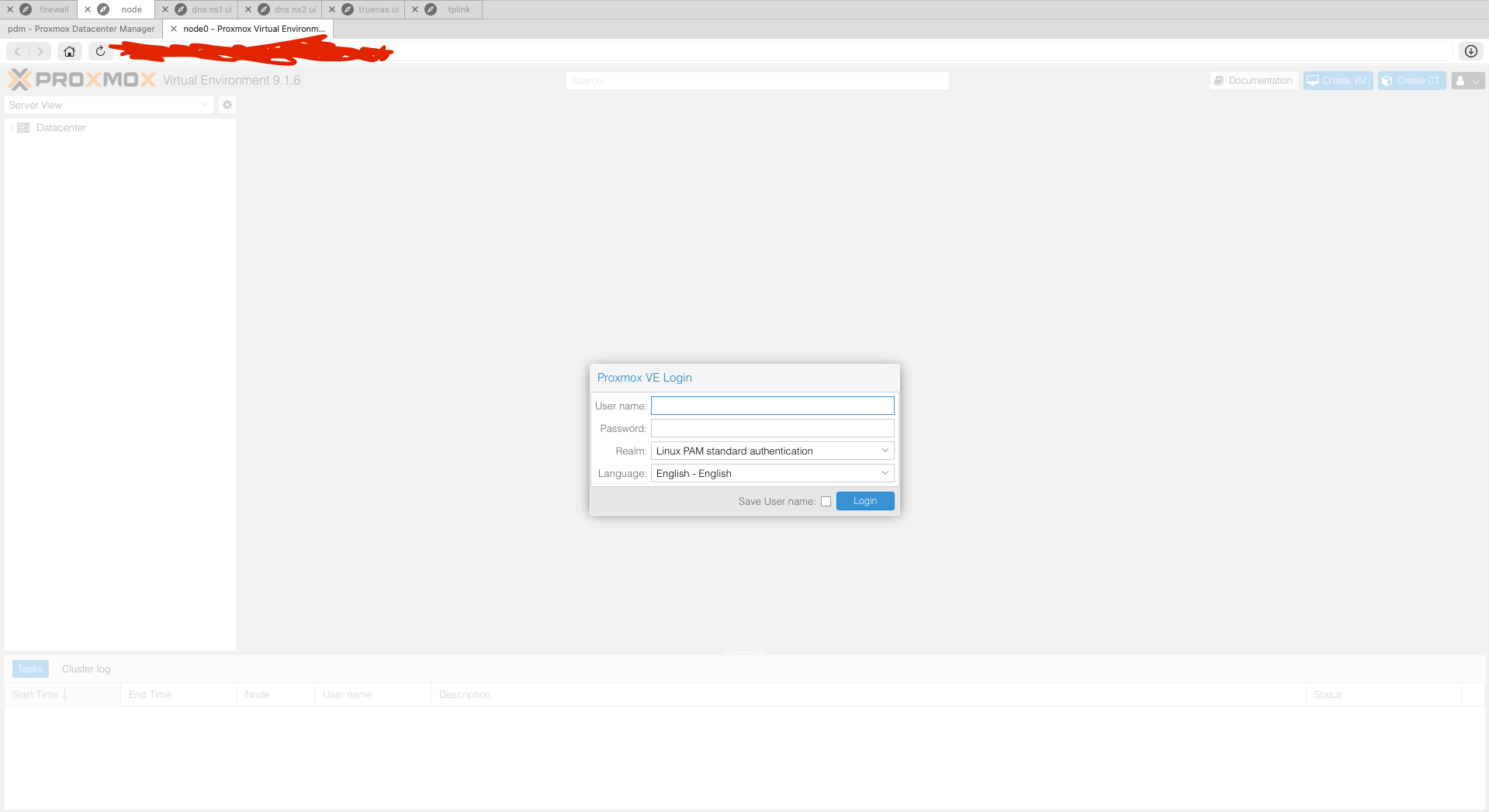
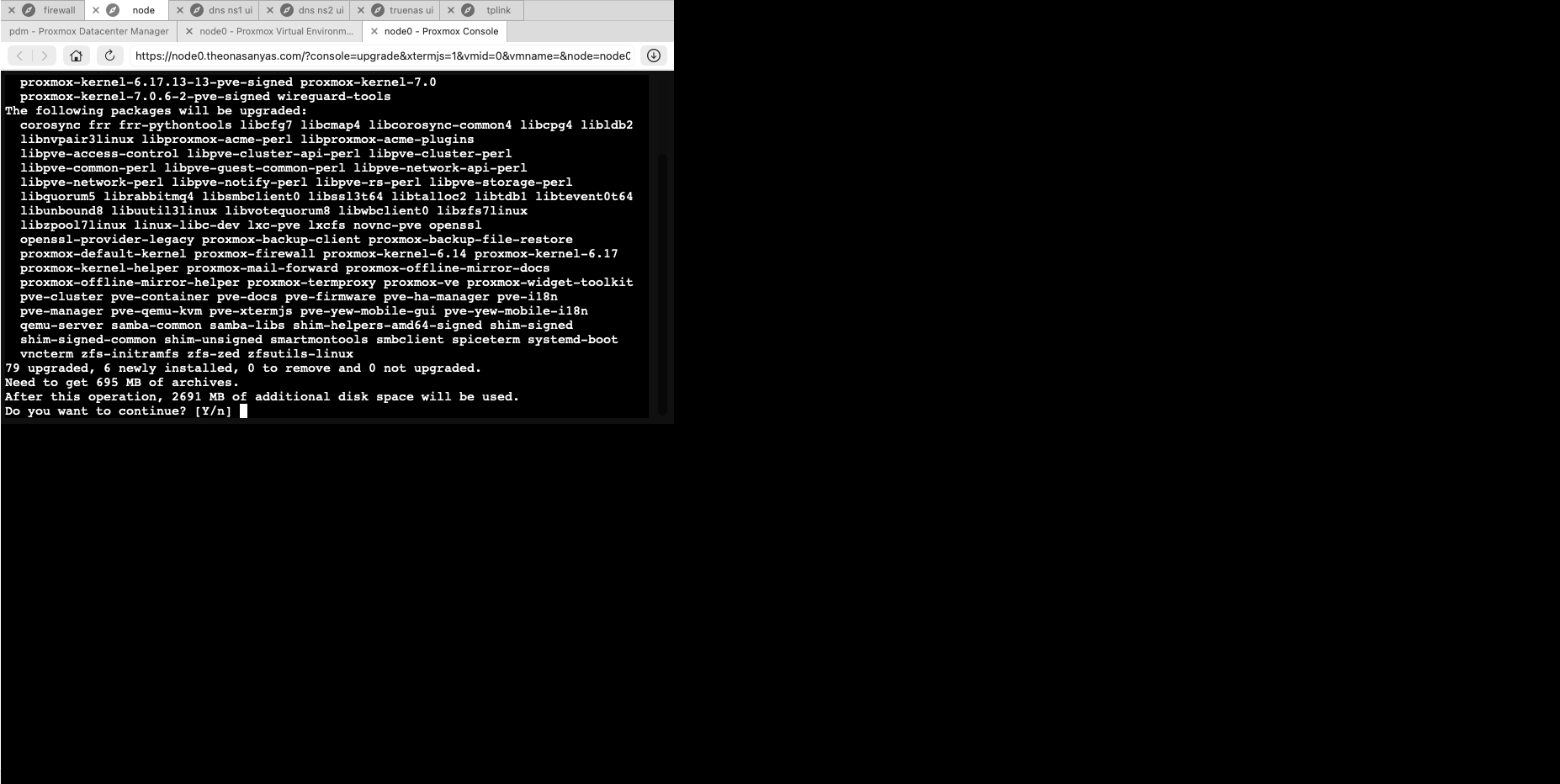
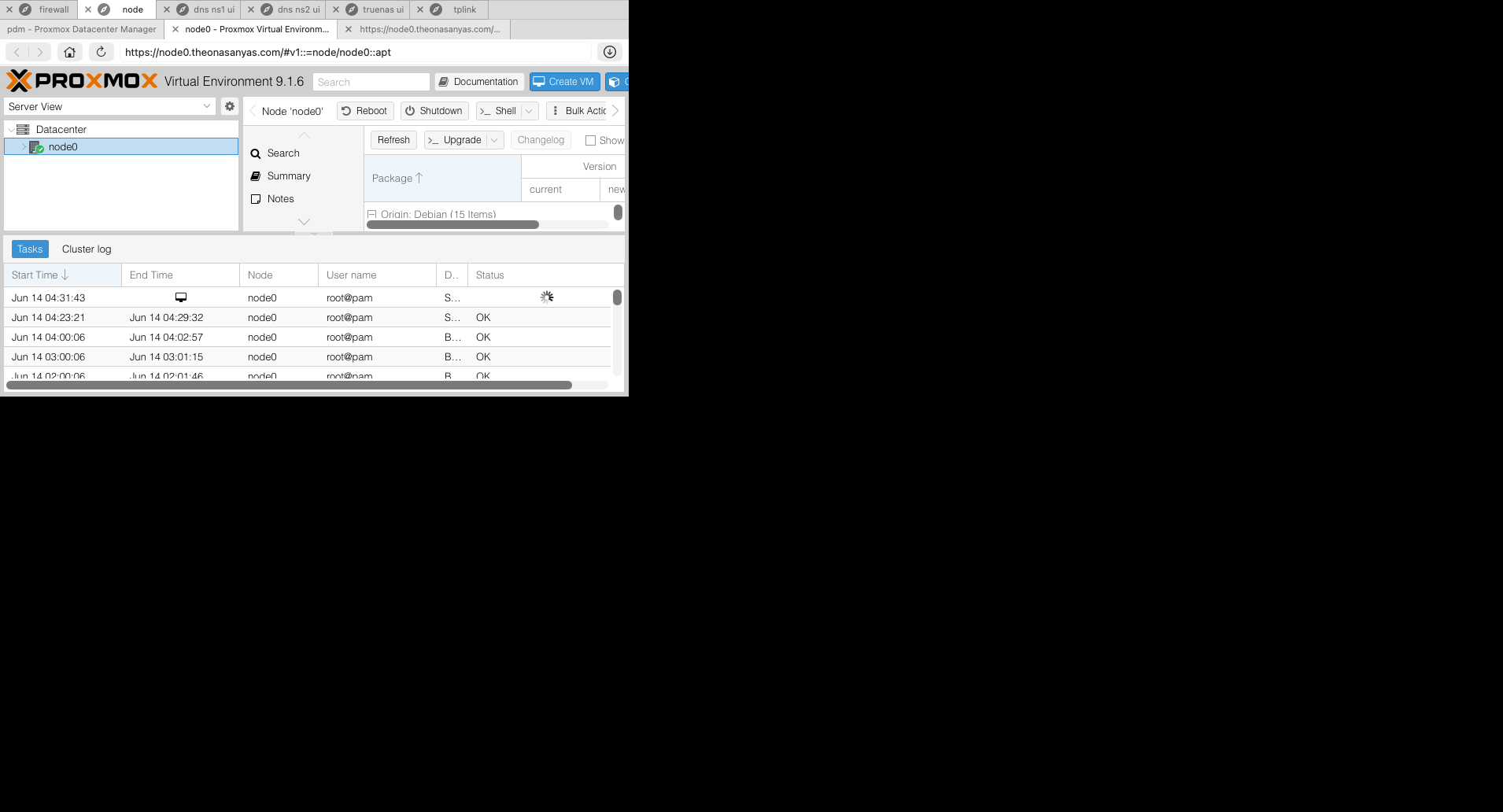
When using the web browser feature on Beta 26, and trying to open an external web browser that is smaller than the current one, it resizes the whole screen and leaves it rendered like a mini screen.
Always have to resize manually to get it back to shape.
- Initial screen size
- After opening a popup with a small screen size
- What it looks like after closing the popup
That’s old window resize behavior kicking in which doesn’t make sense anymore in a tabbed context.
I’ll remove this behavior in the next v26 beta release.
Thx for reporting!
@agboola_onasanya This should now be fixed in Royal TSX 26.0.3 Beta. Please let us know if it works for you. Thx!
Hi, this has been resolved with the update thanks.
Awesome! Thx for reporting back @agboola_onasanya.