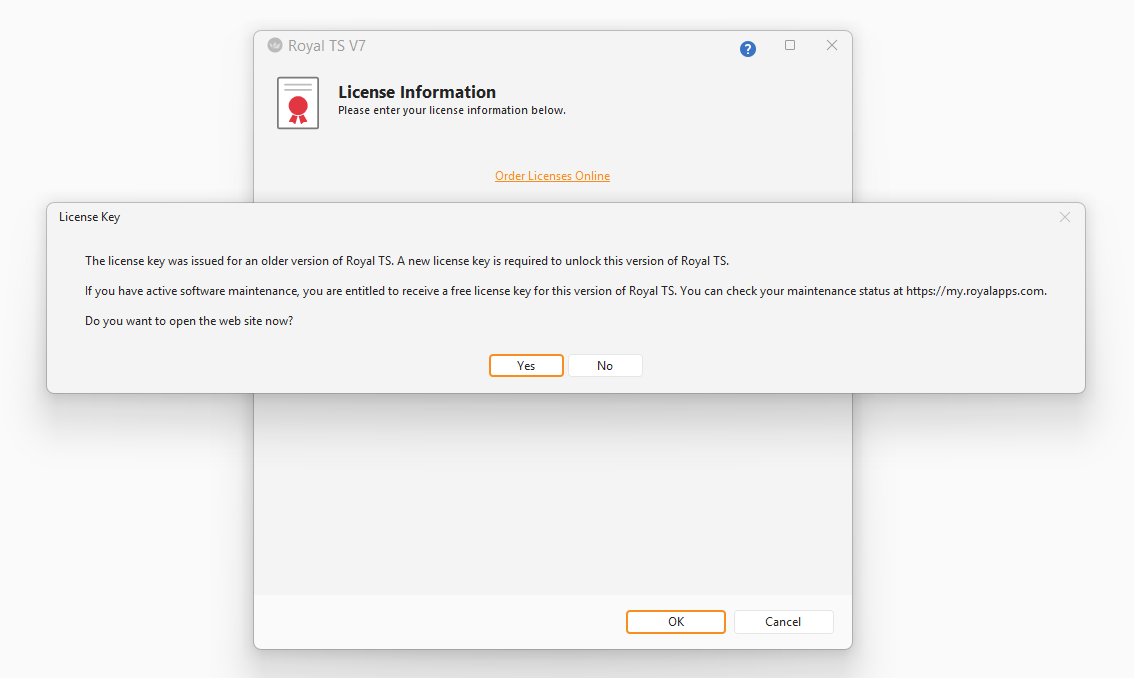
Hi, how can I disable this annoying popup on every single startup?
Always have to click “no”.
Atm I don’t need/want/have any license.
To help google index, here is some OCR:
“The license key was issued for an older version of Royal TS. A new license key is required to unlock this version of Royal TS.
If you have active software maintenance, you are entitled to receive a free license key for this version of Royal TS. You can check your maintenance status at https://my.royalapps.com.
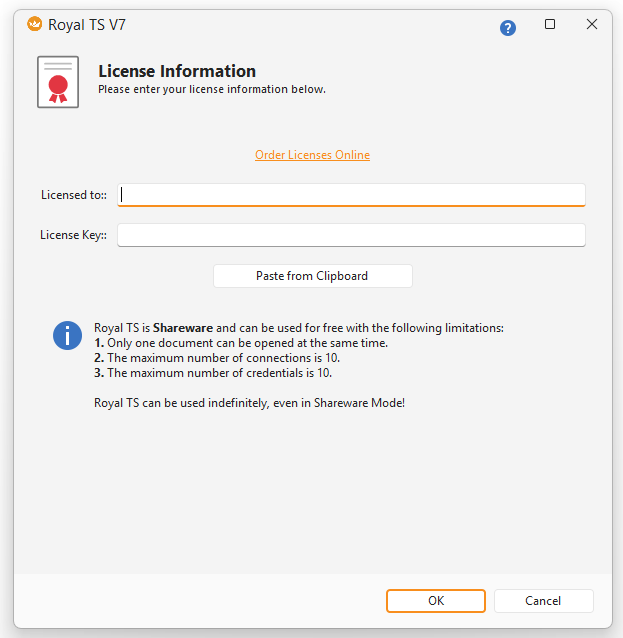
Do you have a license applied? The screenshot unfortunately doesn’t show the content behind the message box. If no license is applied, you shouldn’t get this message. Also, can you post the exact Royal TS version you are using?
Thanks for confirming the workaround. I will see what we can do better here. Deleting the older license files would basically remove the license for older app versions thus running into issues when starting the older version again.