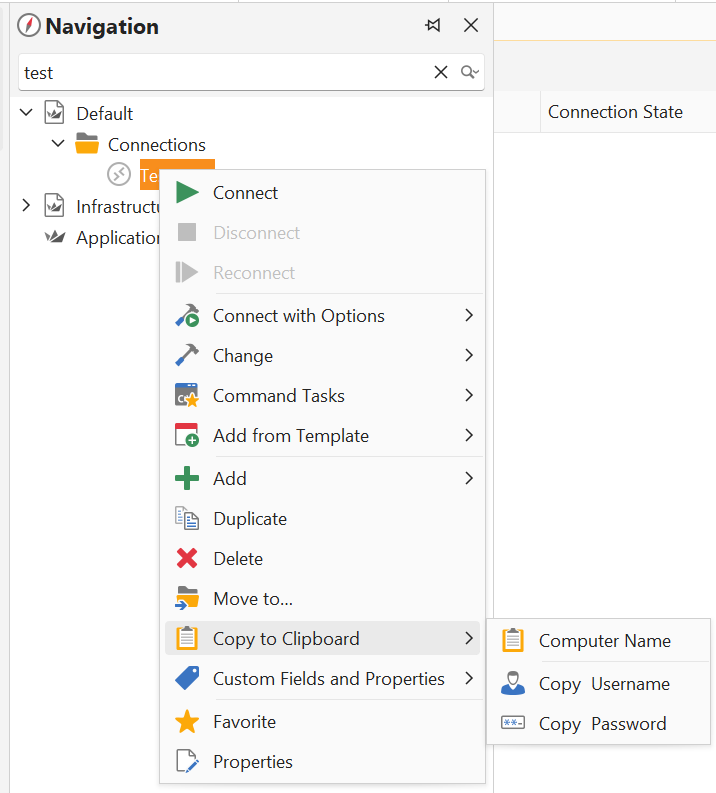
I often find myself forced back into the navigation pane to change the search text to bring up details of a host I’m already connected to in order to copy say the session password or hostname using the right click context menu.
It would be a lot easier if I could also access the Navigation->right click on host->“copy to clipboard” functions by right-clicking on the session tab so the switching between session and navigation could be avoided.
Something like this
This is what I have to do now (which in this case involves changing the search text to test to bring up the host I’m already connected to)
What I would like
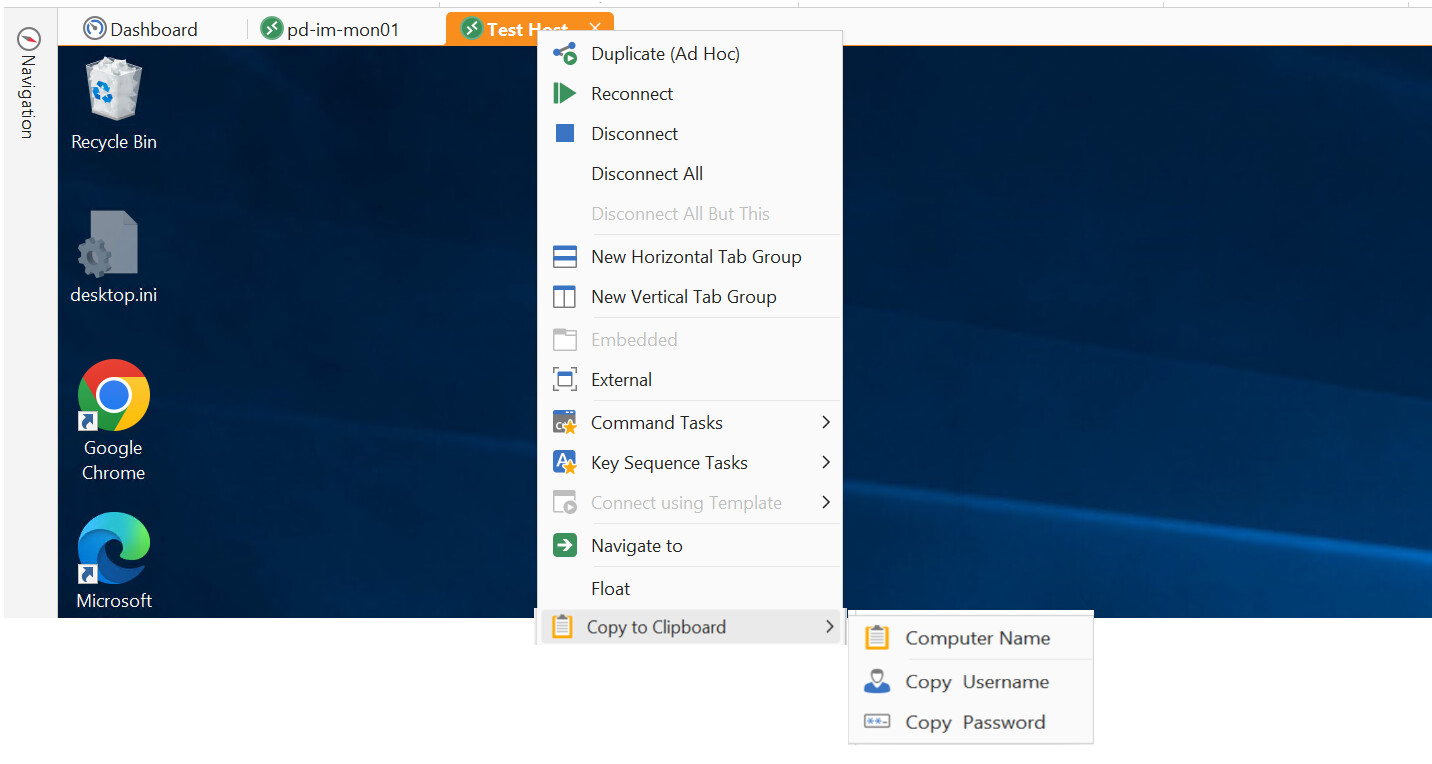
This would be of great help when working with multiple sessions at the same time
 Looking forward to seeing this !